View Categories

How to view MAR Charts in Cloud

This guide explains how to review a resident's electronic Medication Administration Record (eMAR).

Takes 3 minutes
For: Nurses
Updated: 22nd June 2026

Introduction

The eMAR section provides a complete overview of medication administration records for a resident. Staff can review medication schedules, administration history, stock levels, prescription details, and individual administration events to support safe medication management and auditing.

In this guide you'll learn how to:

  • Access a resident's eMAR records
  • Filter medication records by date
  • Review regular and topical medications
  • View medication and administration details
  • Check stock and prescription information
  • Export MAR charts for reporting and auditing

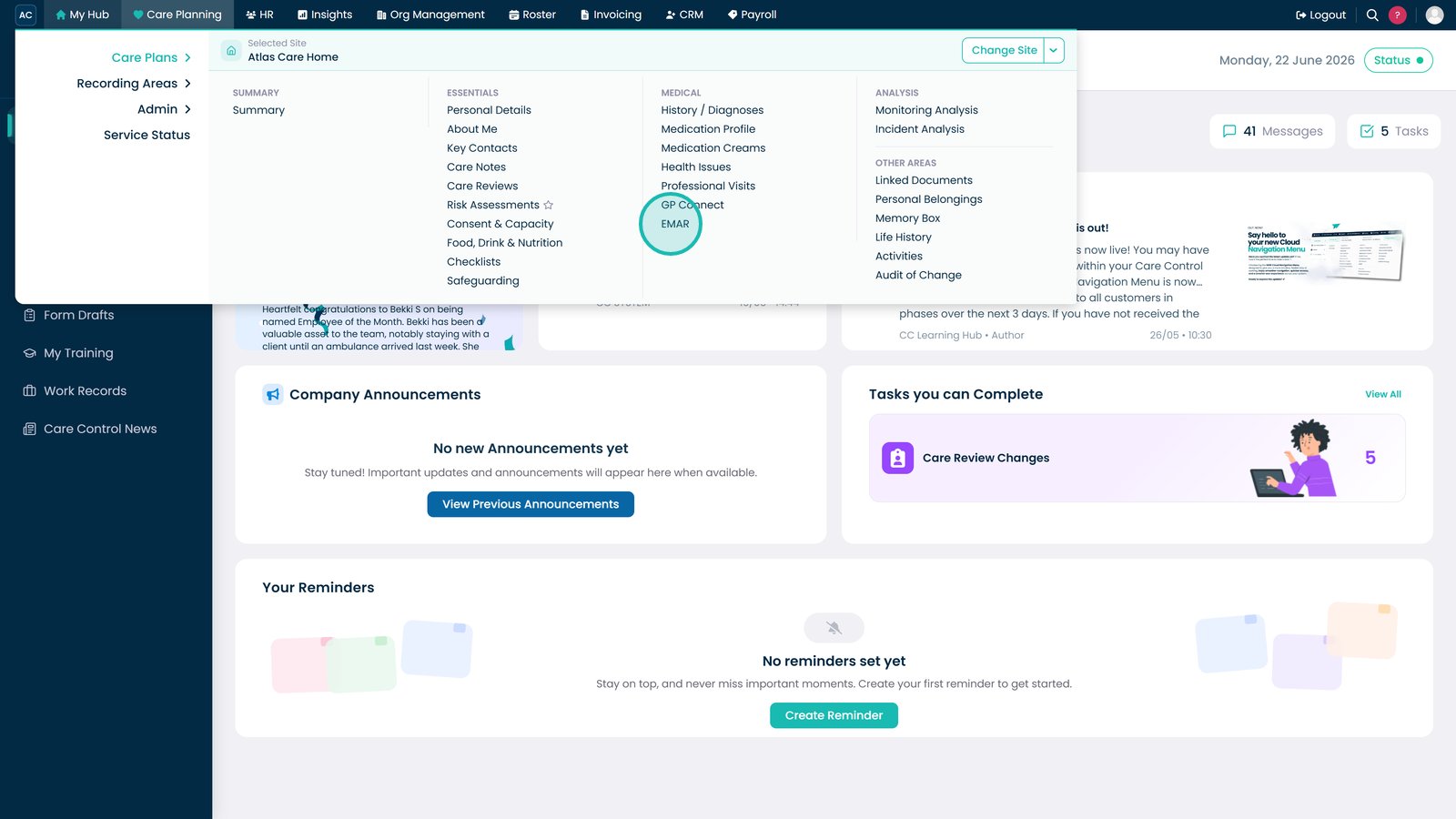
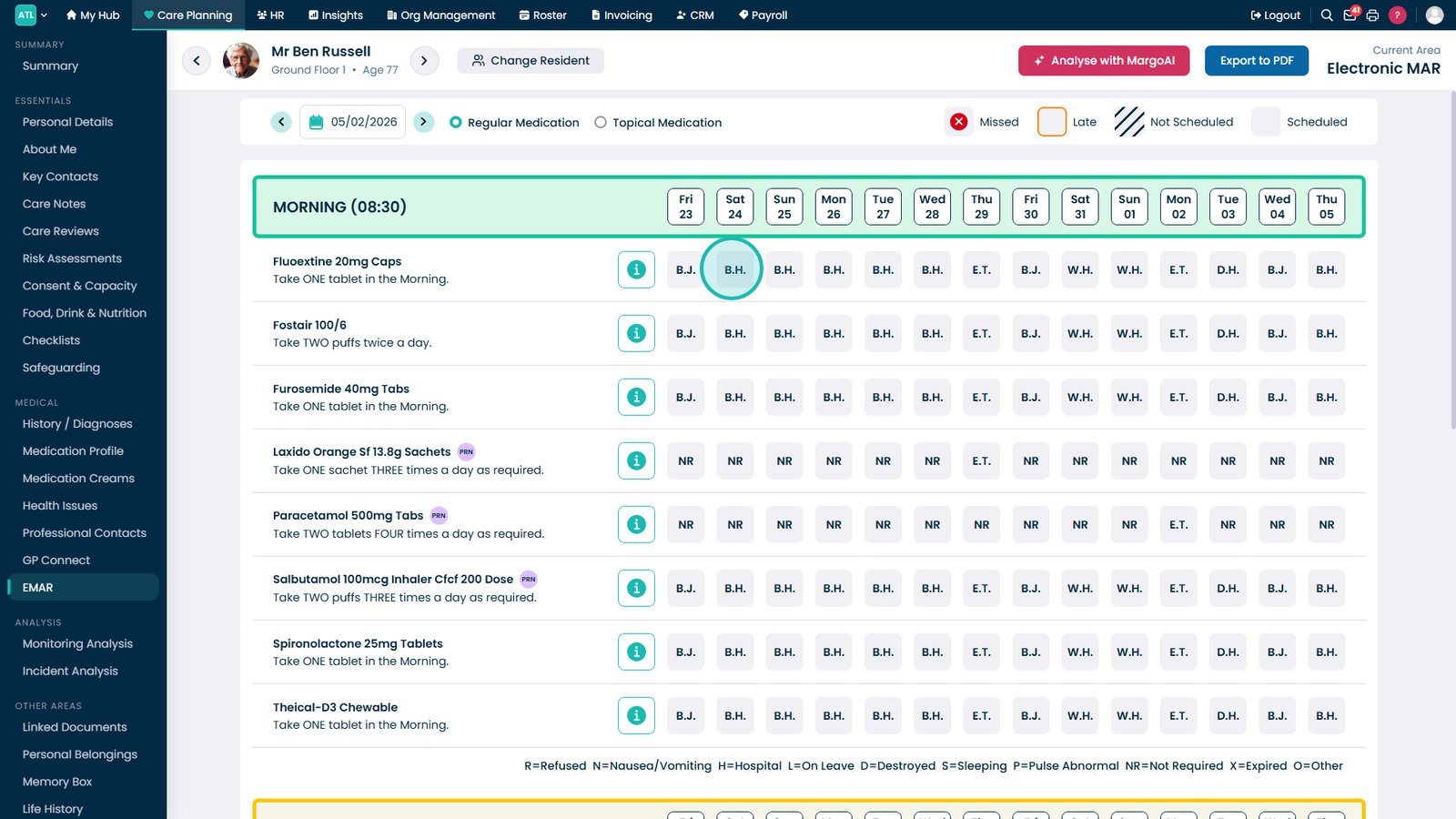
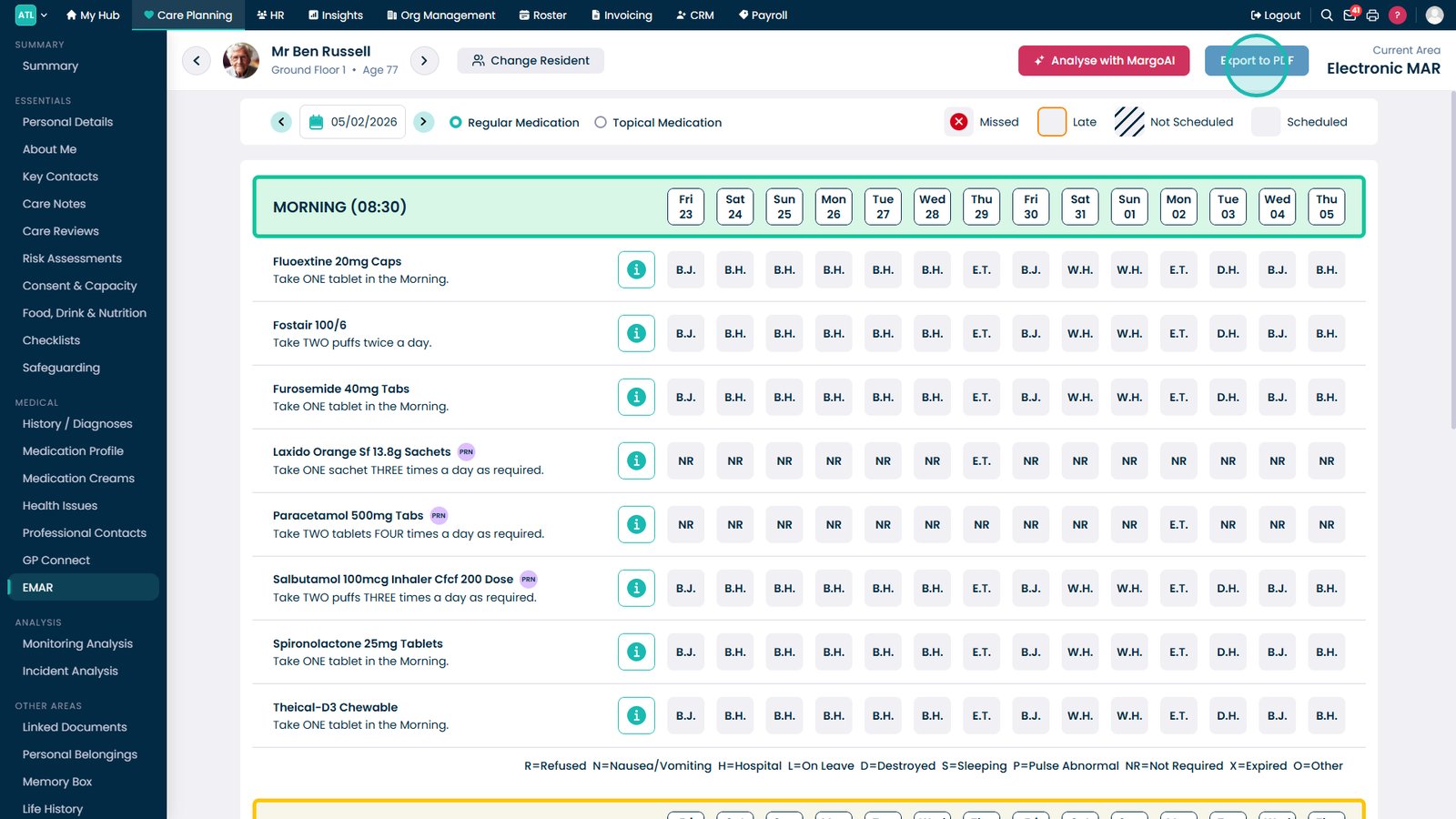
Open eMAR from the Care Planning menu.

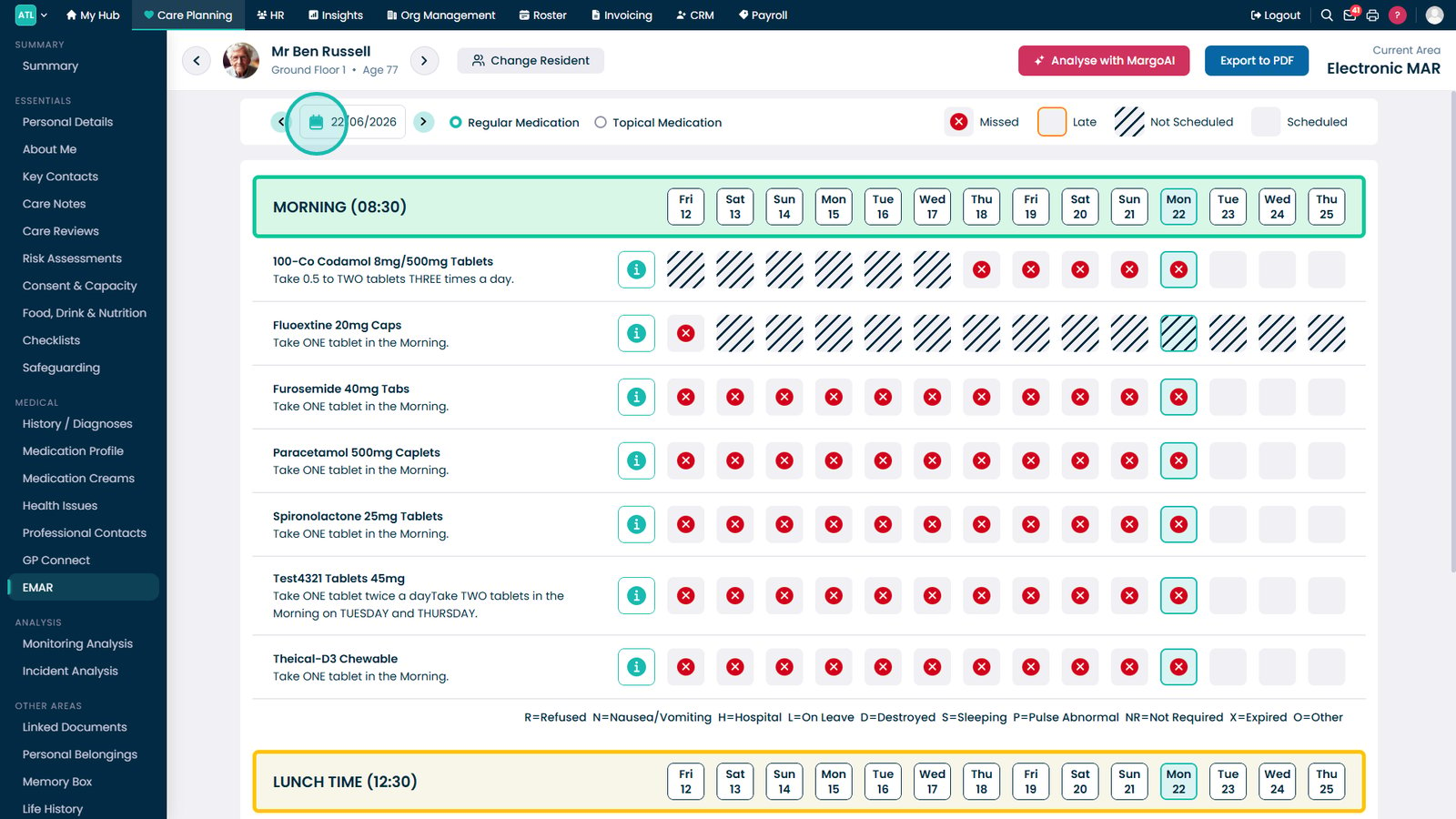
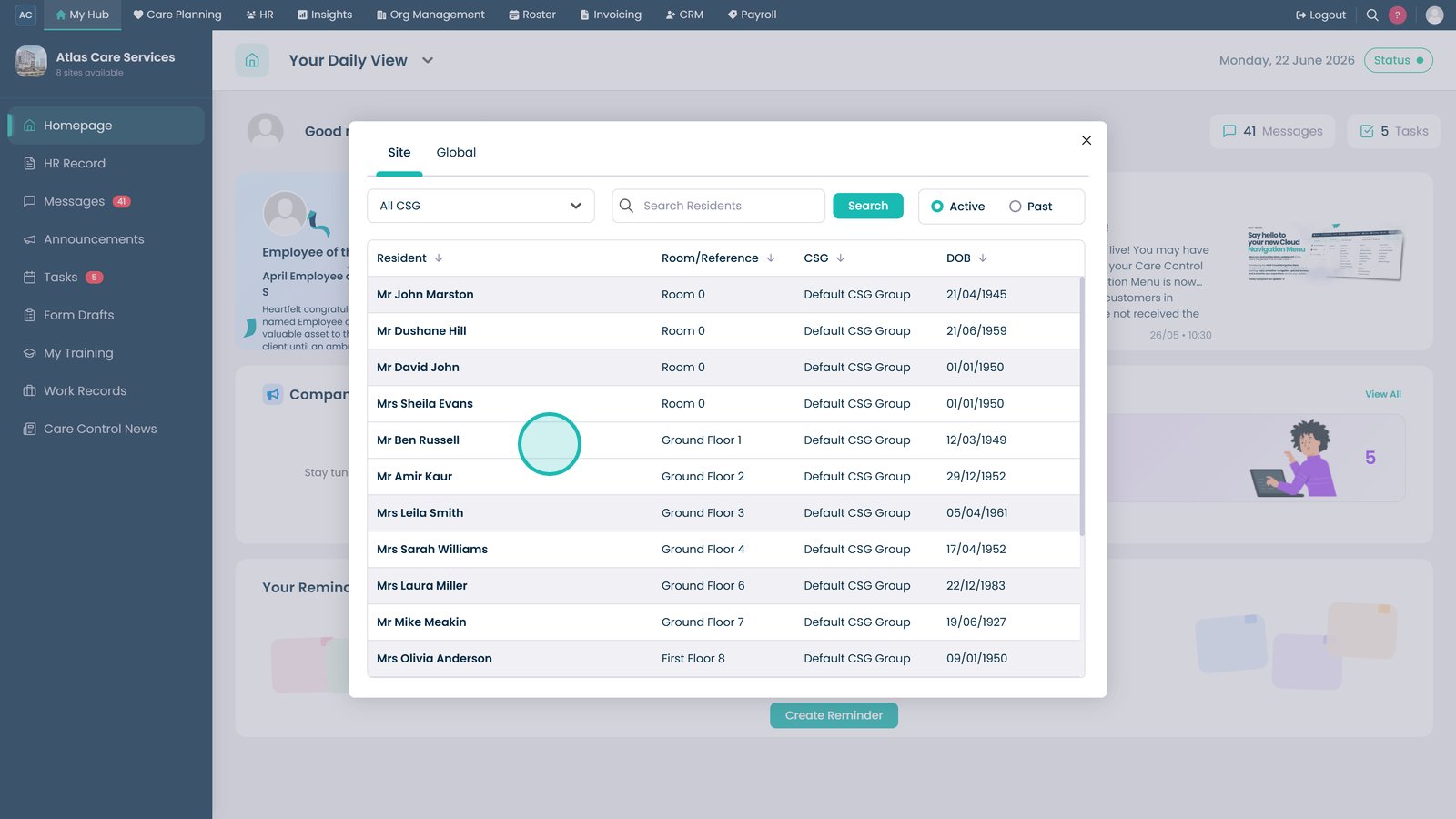
Select the resident whose medication records you want to review.

Use the calendar selector to choose the date range you want to review.

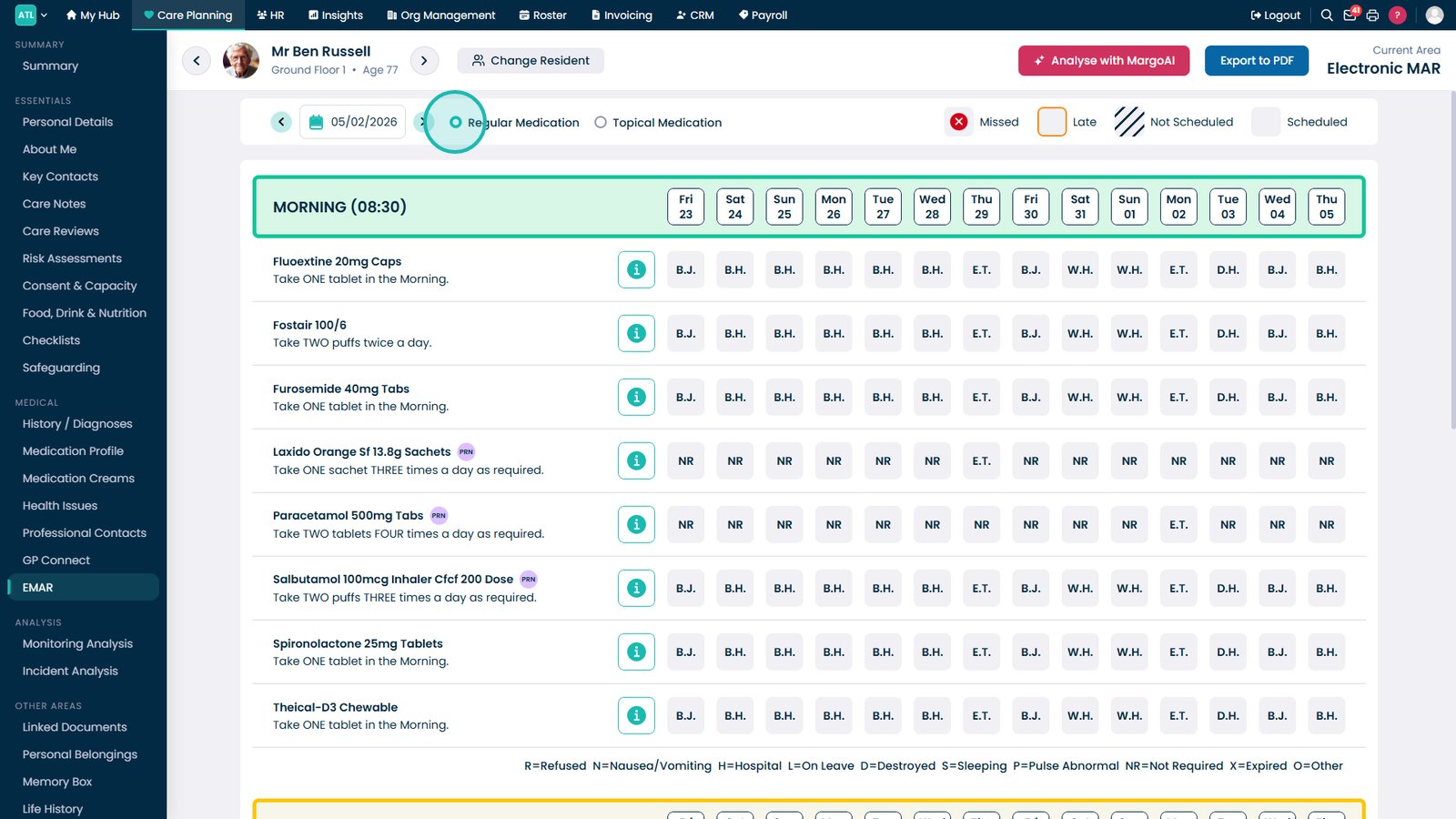
Select Regular Medication to view scheduled medications and administration records.

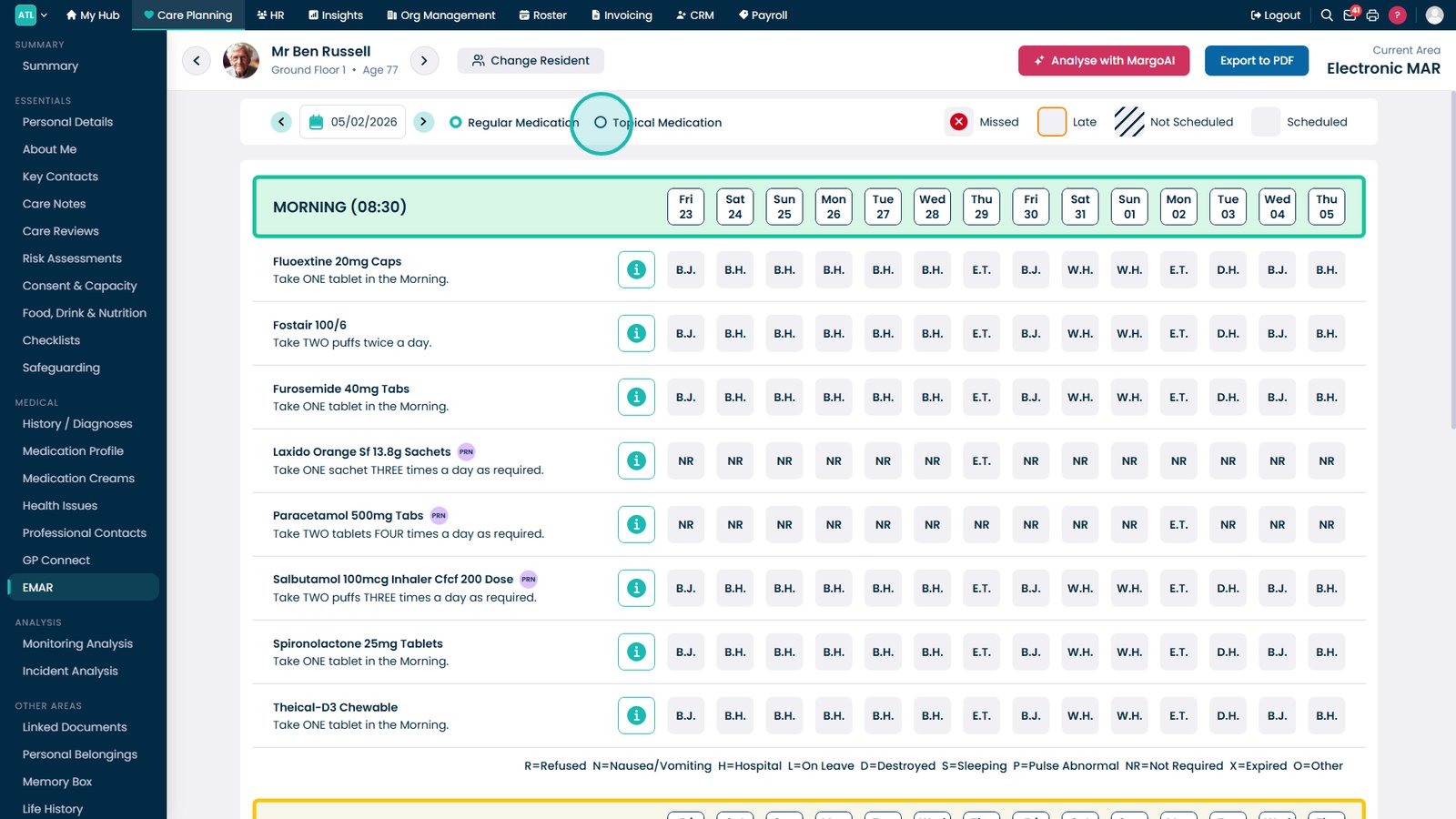
Switch to Topical Medication to review topical treatments separately.

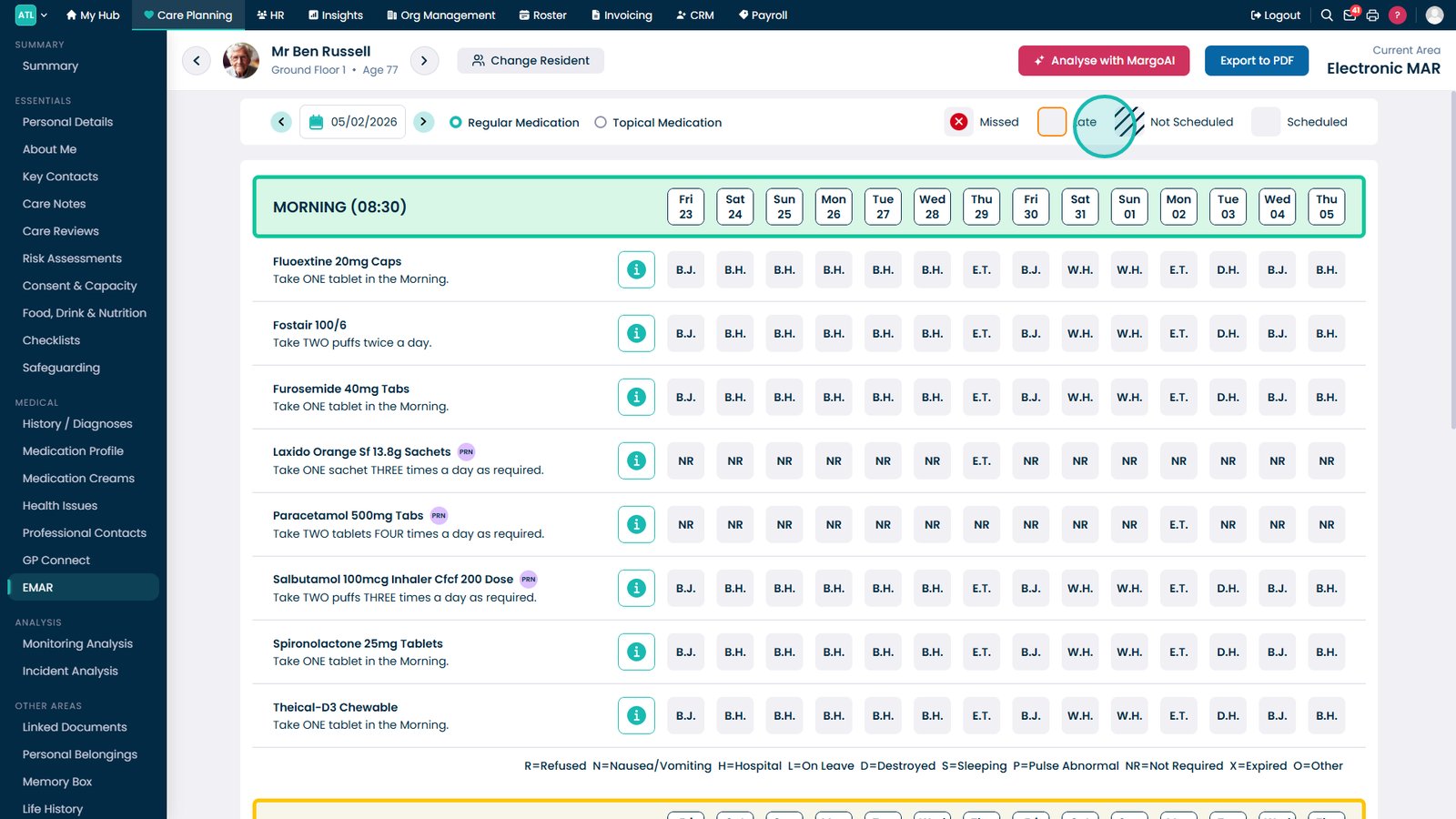
Review the legend to understand the meaning of each administration status indicator.

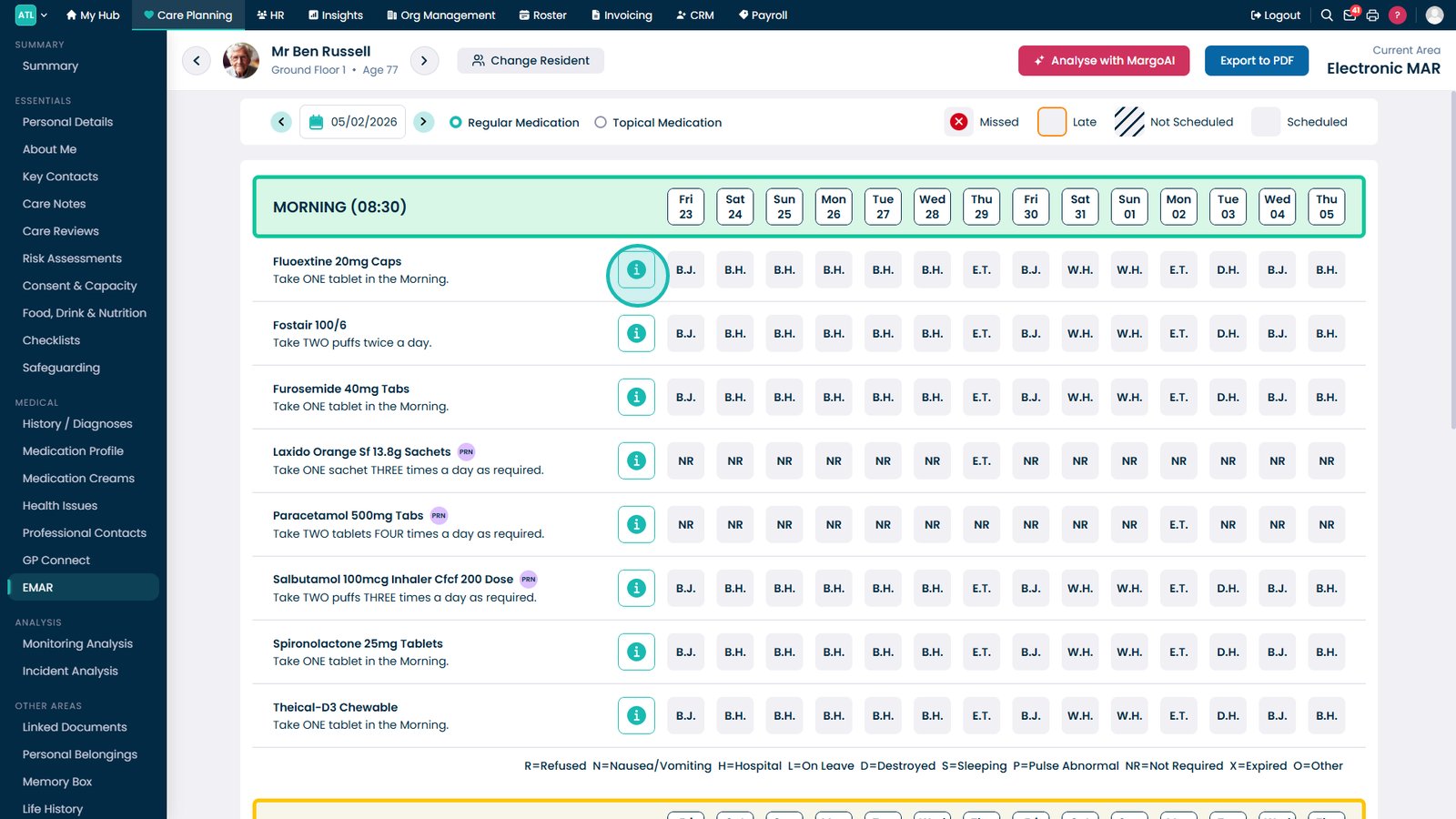
Select the information icon beside a medication to view prescription details and administration guidance.

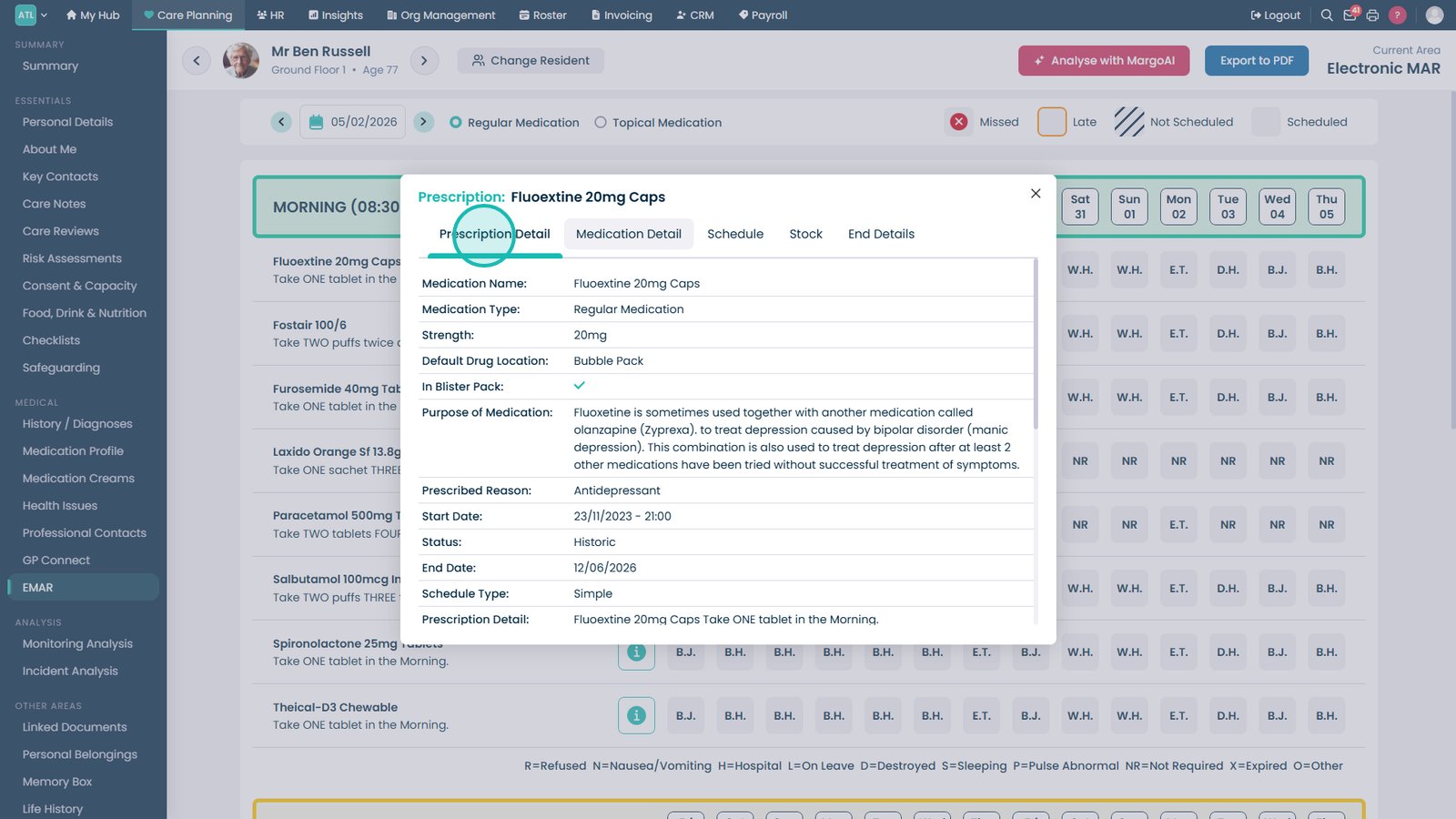
Review the Prescription Detail tab to see complete prescription information.

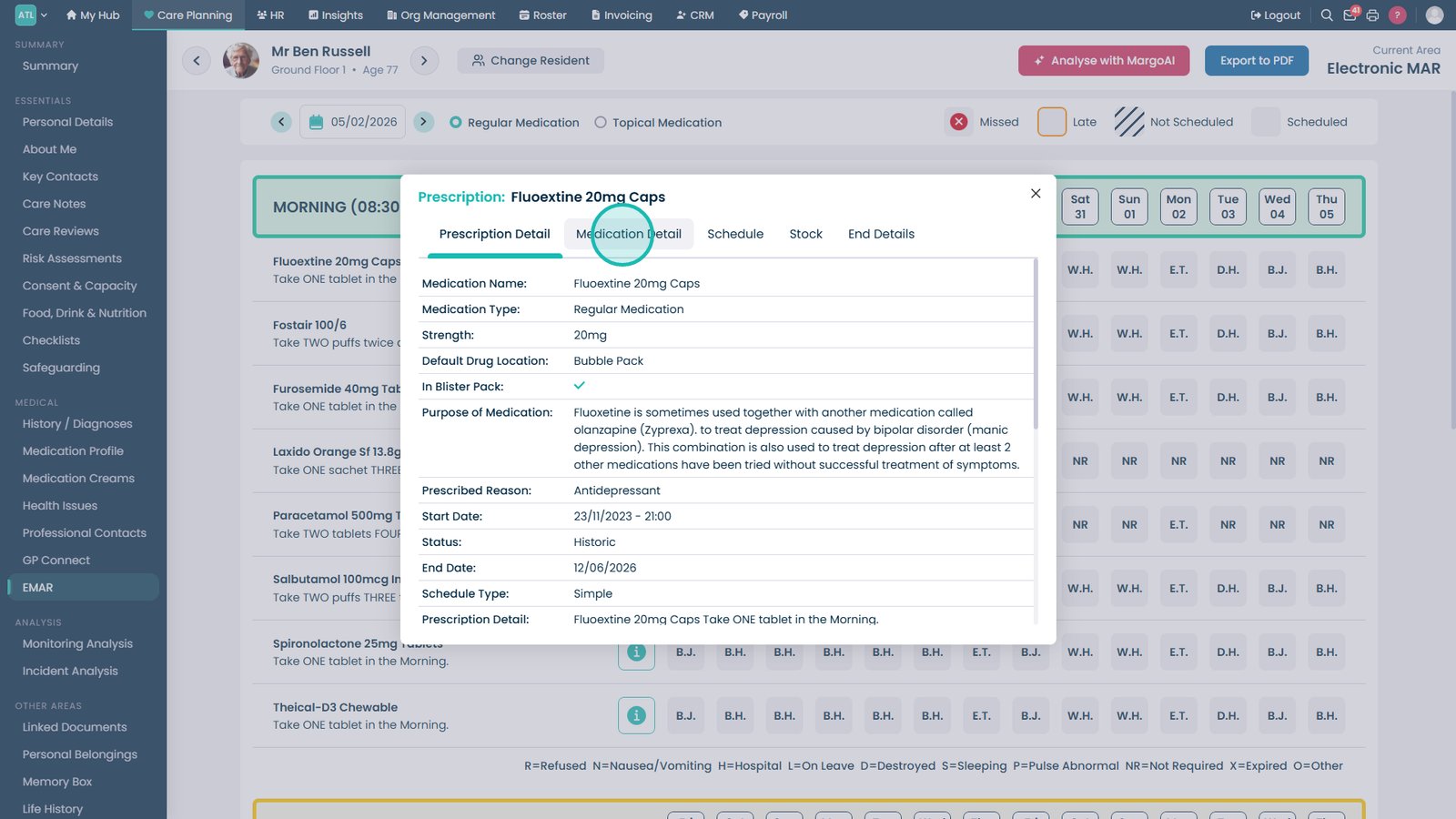
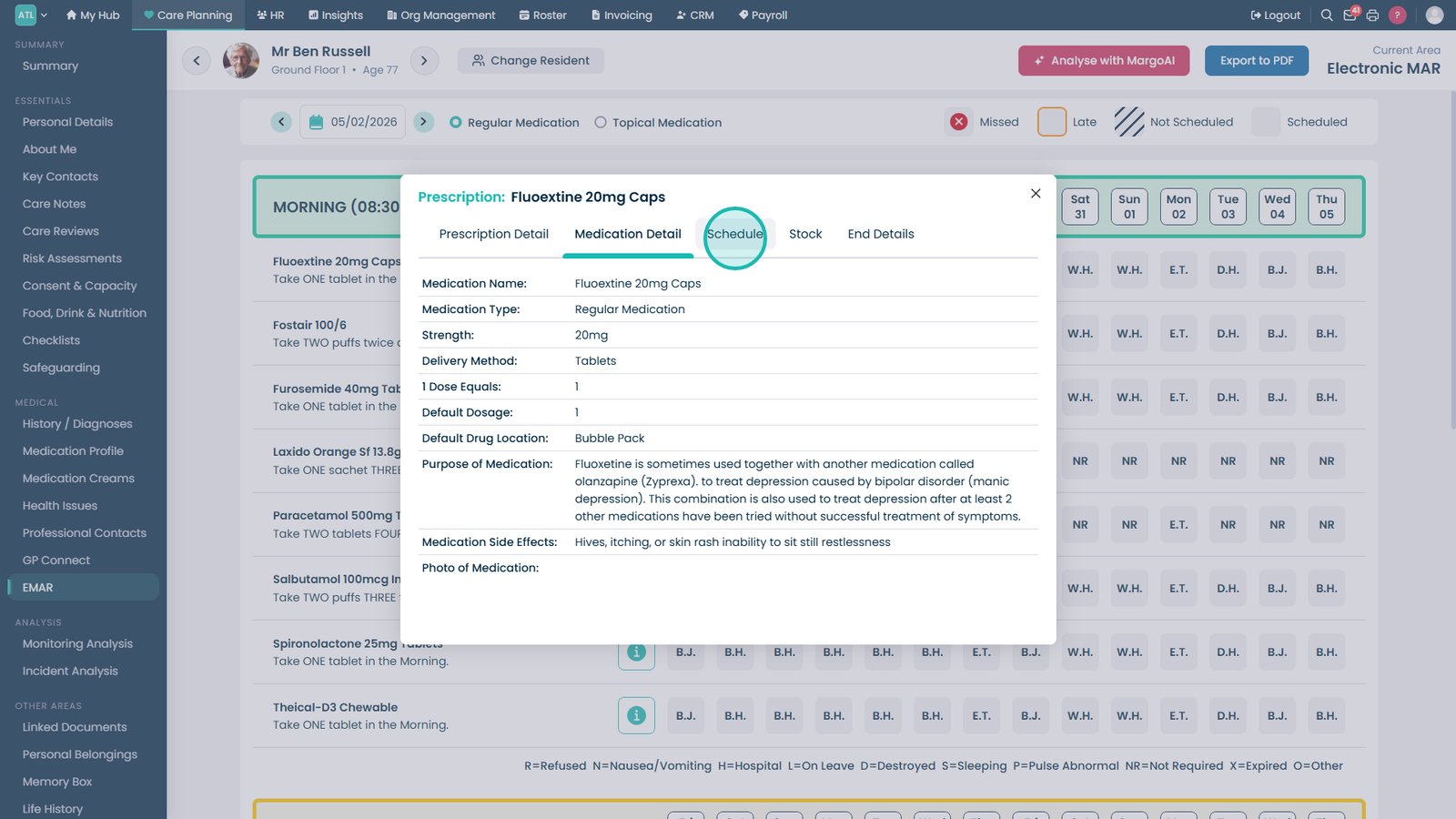
Open Medication Detail to review full medication information.

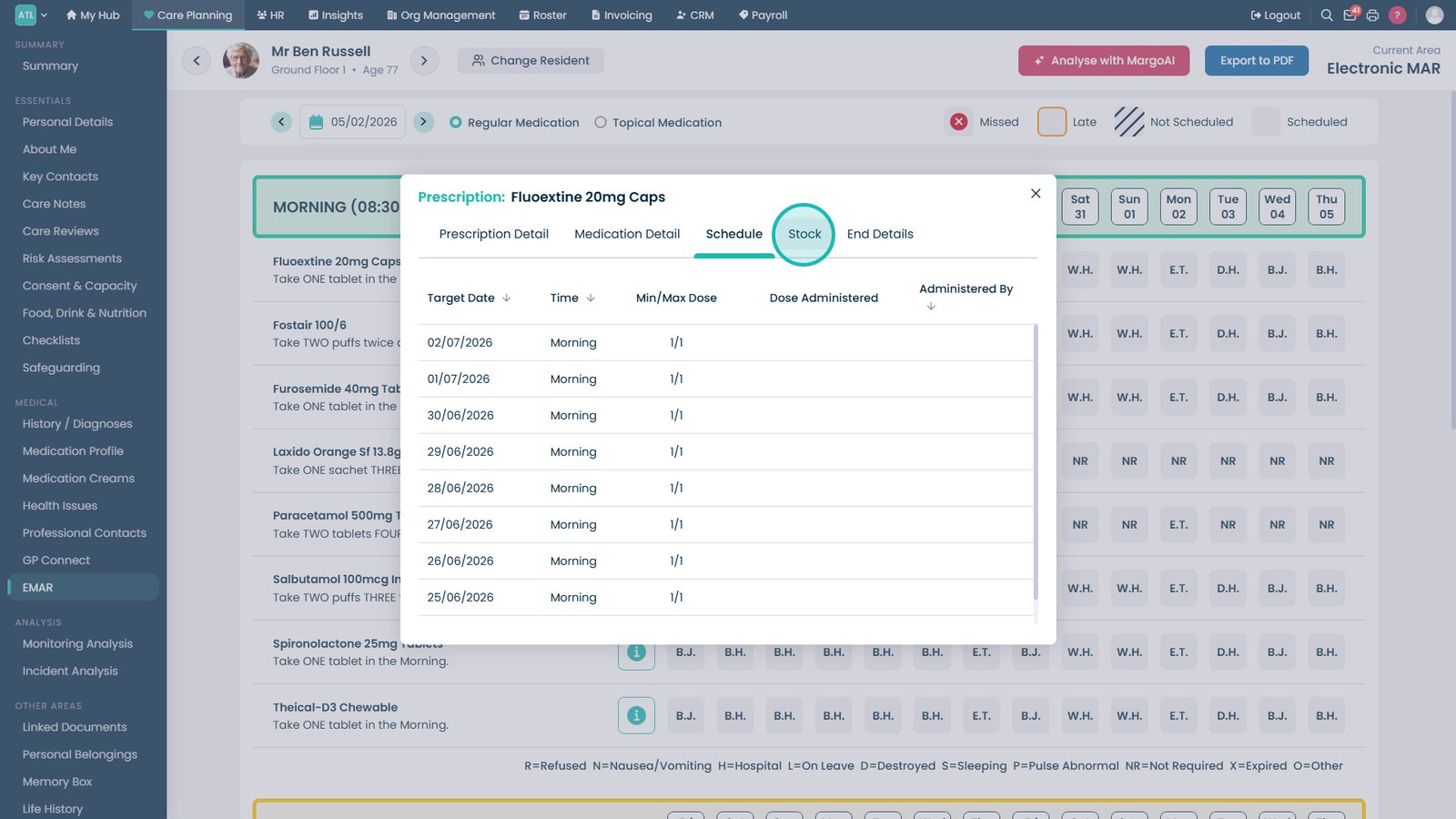
Select the Schedule tab to review medication timings and frequencies.

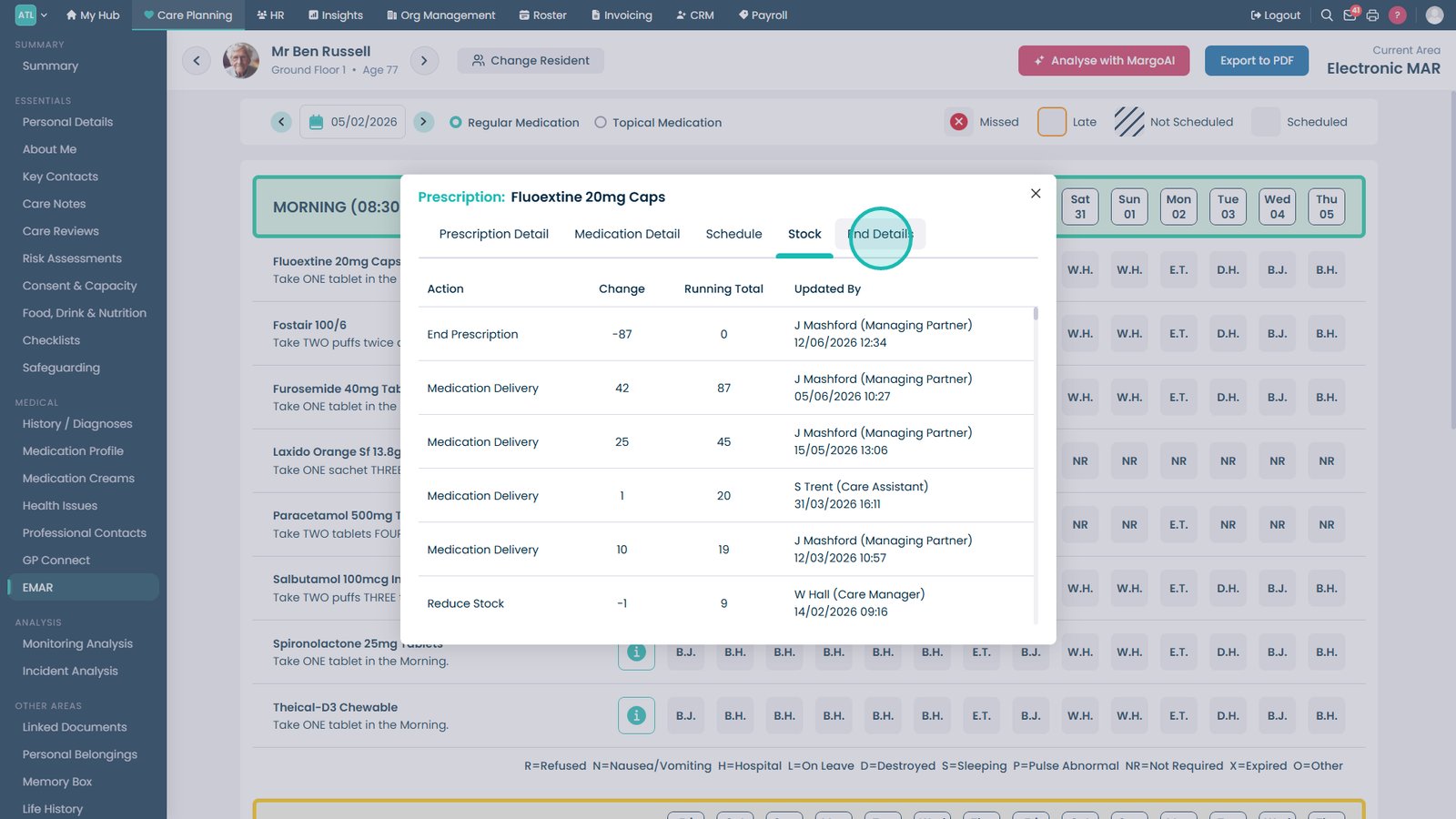
Open the Stock tab to review current medication stock levels.

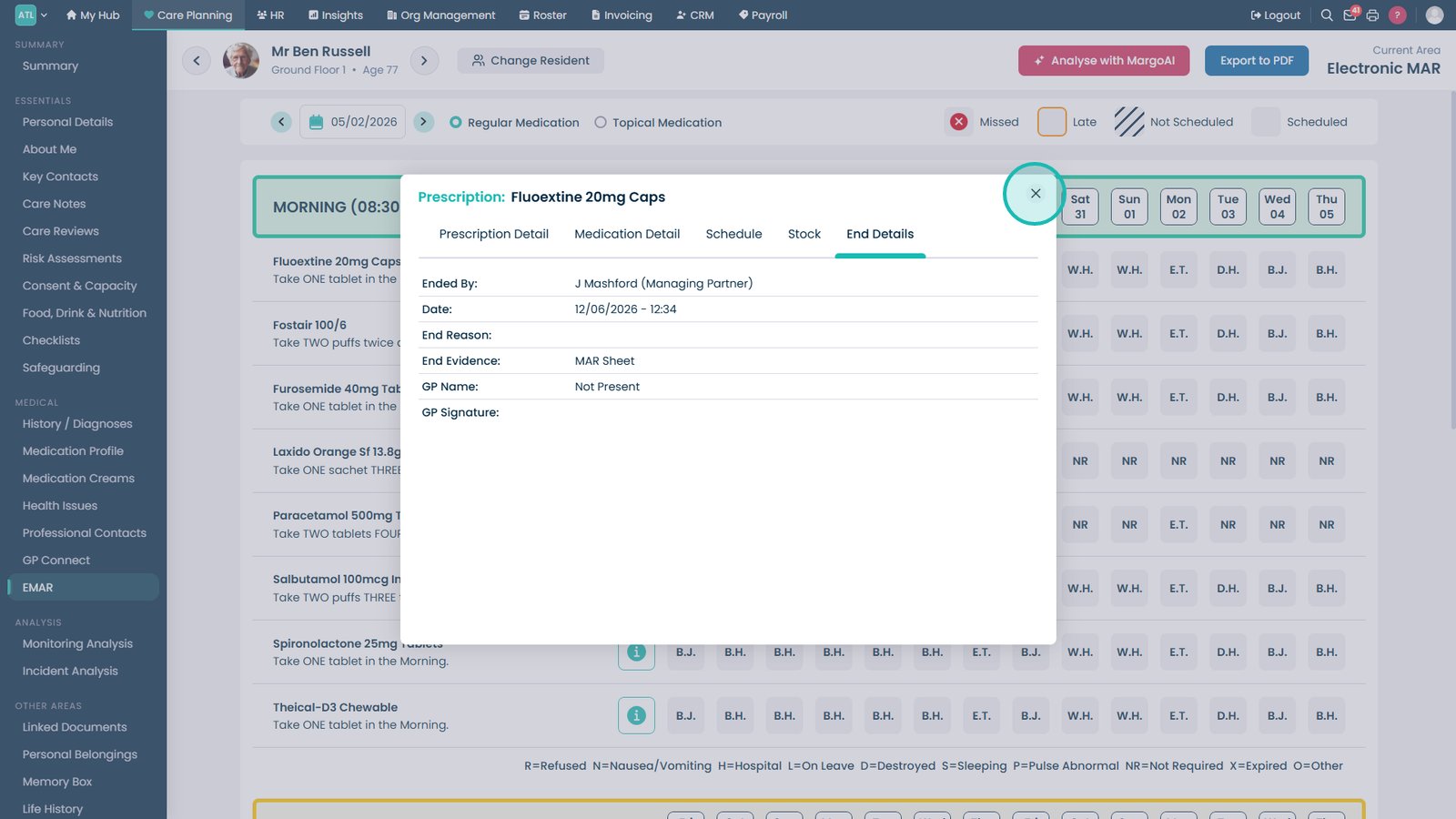
Review End Details to see discontinuation information or prescription end dates.

Close the medication detail window to return to the eMAR chart.

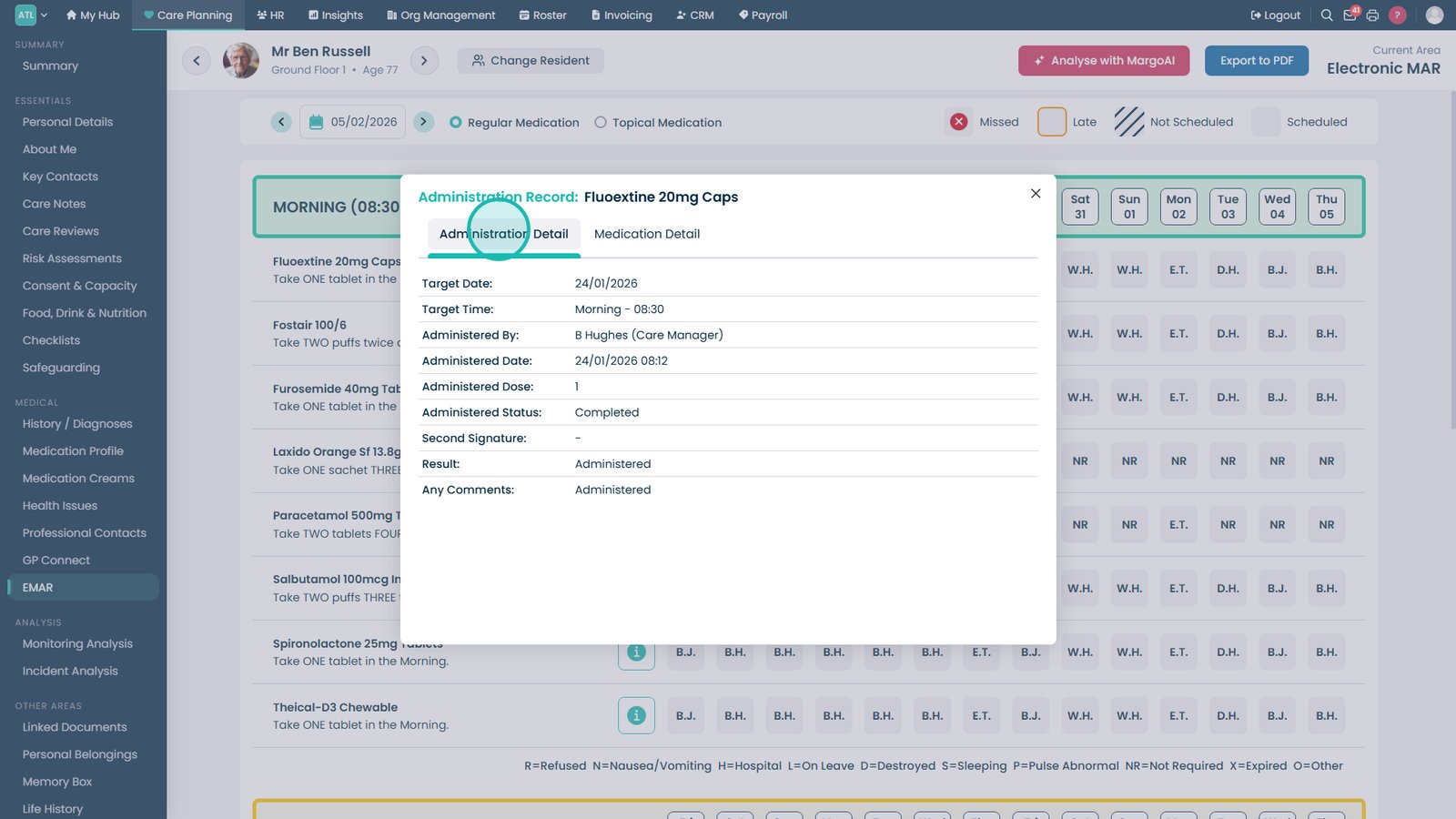
Select staff initials within the MAR chart to review a specific administration event.

Review the Administration Detail tab for a complete record of that medication administration.

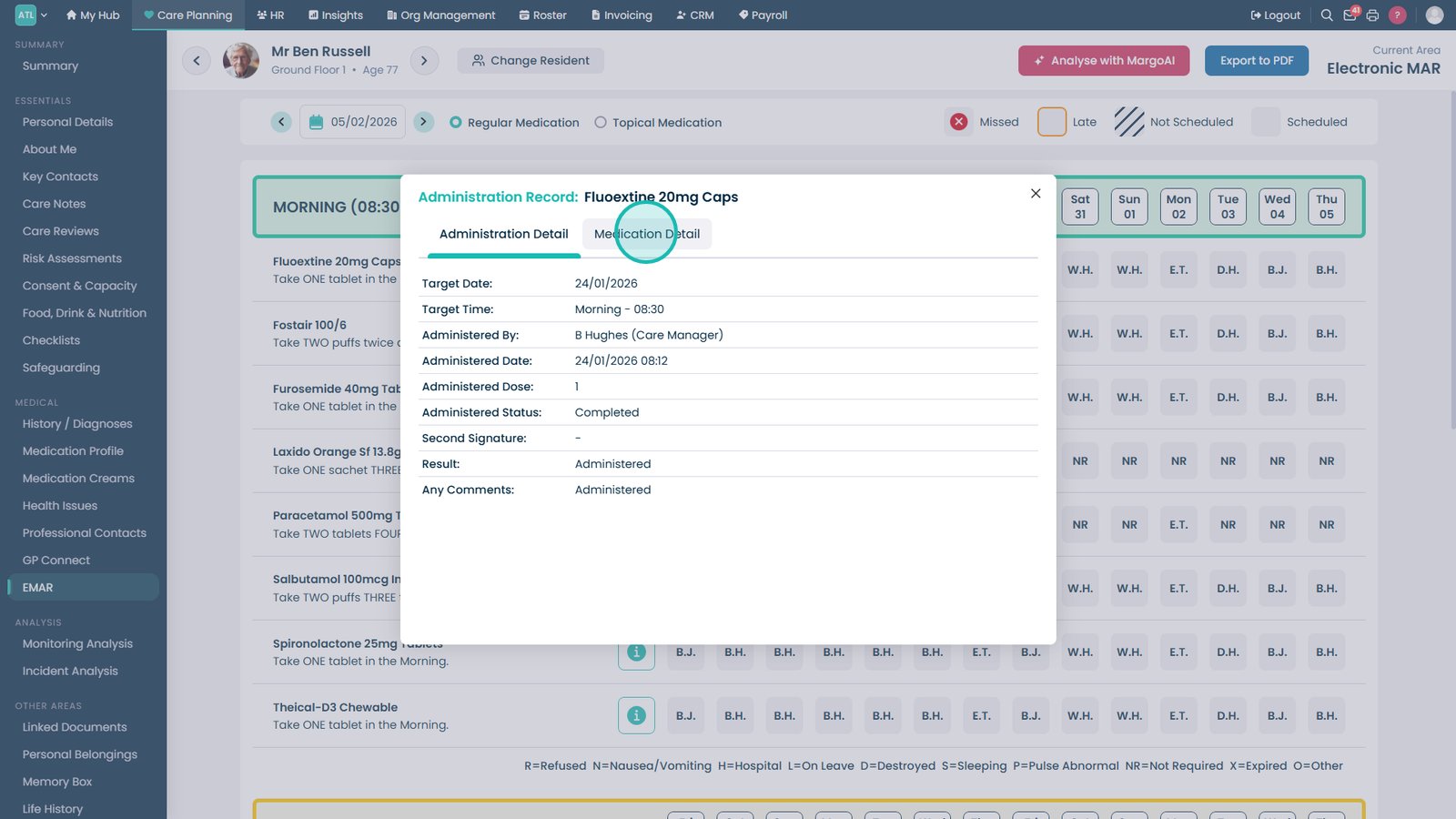
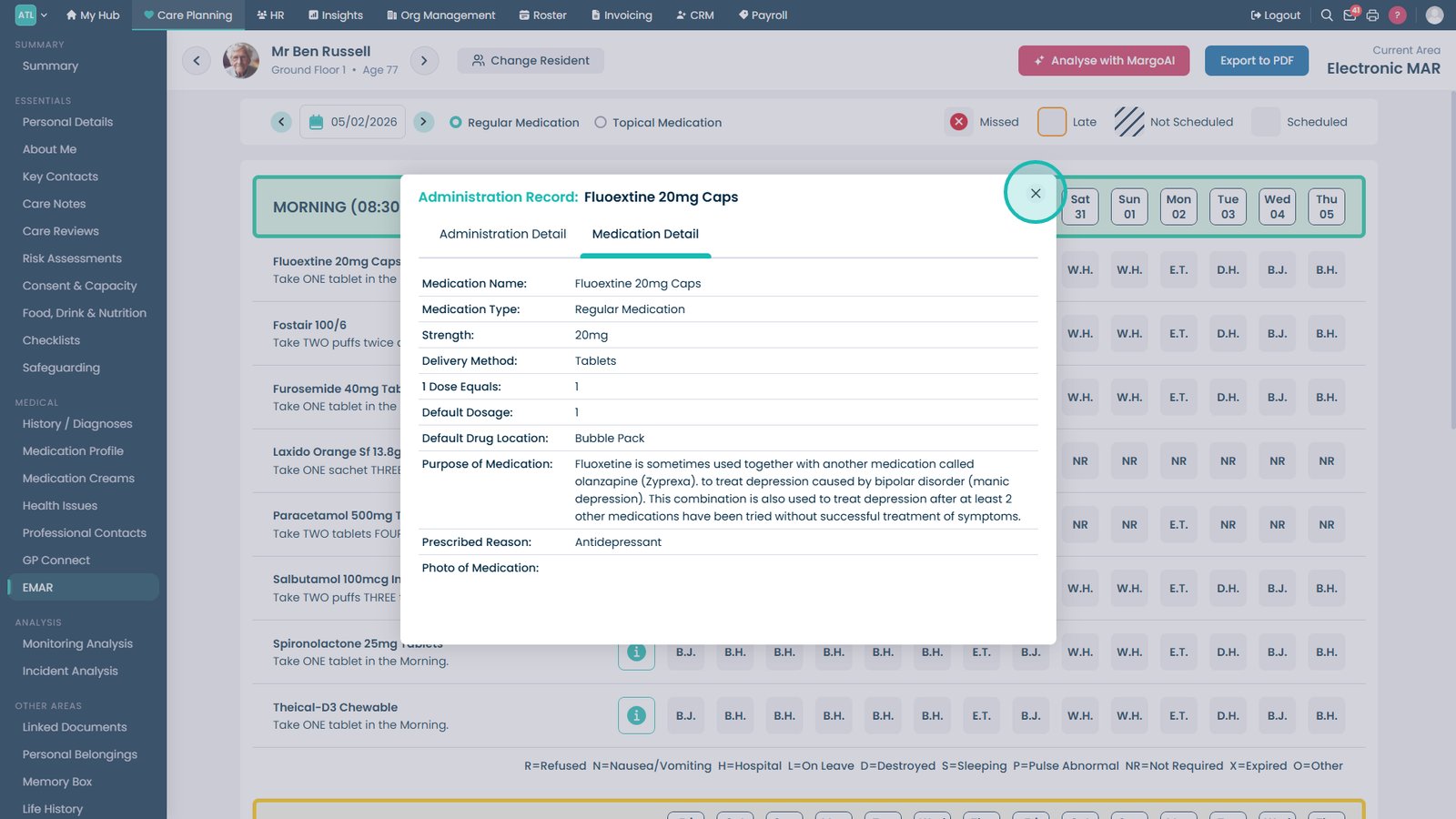
Open Medication Detail from the administration record to review the medication information.

Close the administration detail window when you have finished reviewing the record.

Export the MAR Chart to PDF when you need a printable or shareable copy of the records.

Top tip

Use the staff initials displayed within the MAR chart to quickly identify who administered a medication and access the full administration record for that event.

Was this guide helpful?

Need more help?

Can't find what you're looking for? Our support team is here to help.

Contact Support

Or call us on

On this page