How to use the Navigation Menu
This guide explains how to view the workflow history for a Single Custom Form, including who claimed and completed each section and when it was completed.
Takes 3 minutes
For: Seniors
Updated: 31st July 2026
Introduction
Single Custom Form workflows provide a clear record of how an assessment has progressed. From the Risk Assessment, Incident Analysis and the Monitoring Analysis areas you can review each workflow section and see who claimed it, when it was completed, and which staff member completed it.
In this guide you'll learn how to:
- Open the Risk Assessments area
- Select a service user and custom monitoring assessment
- Open the workflow history
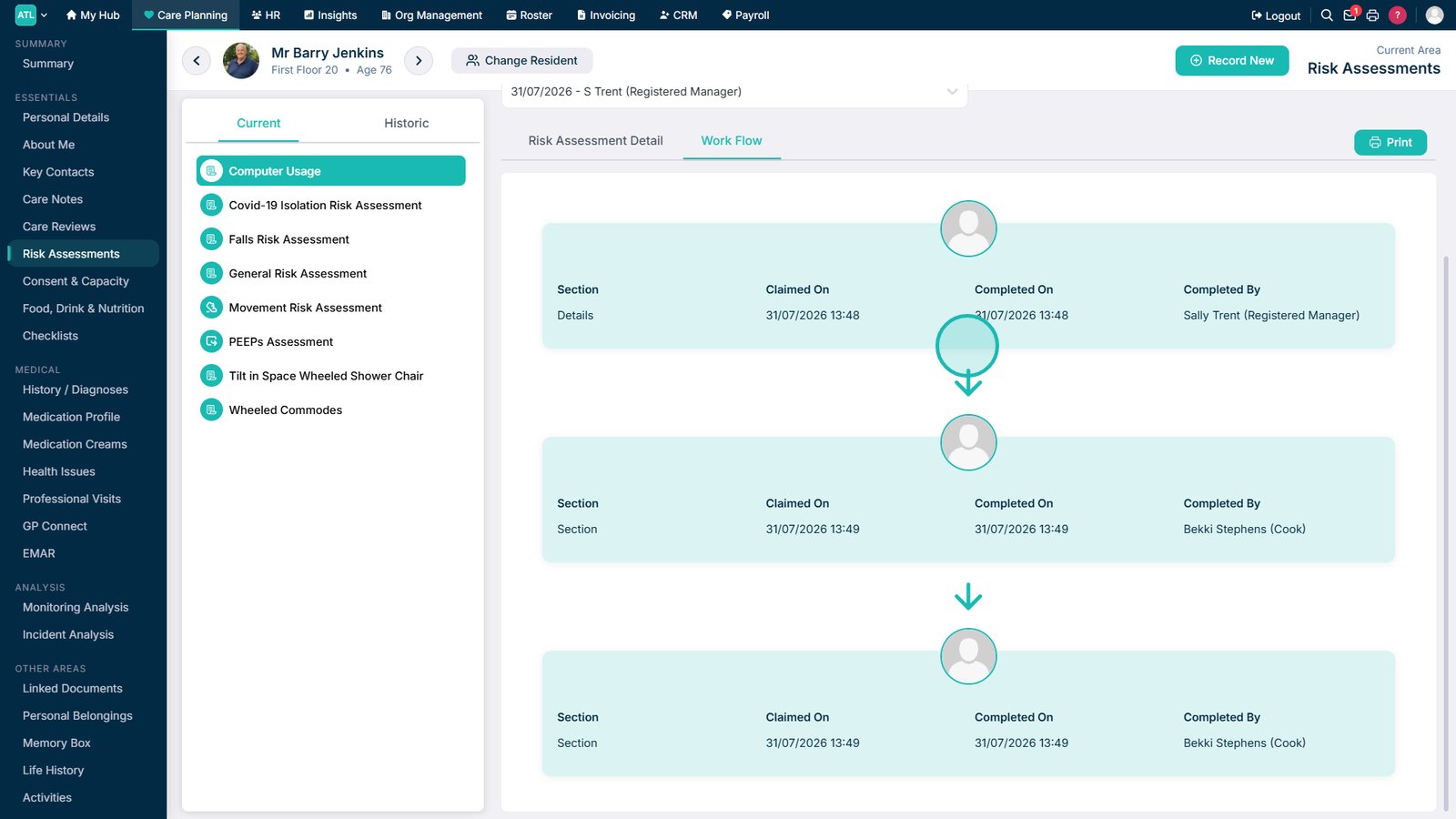
- Review who claimed and completed each section
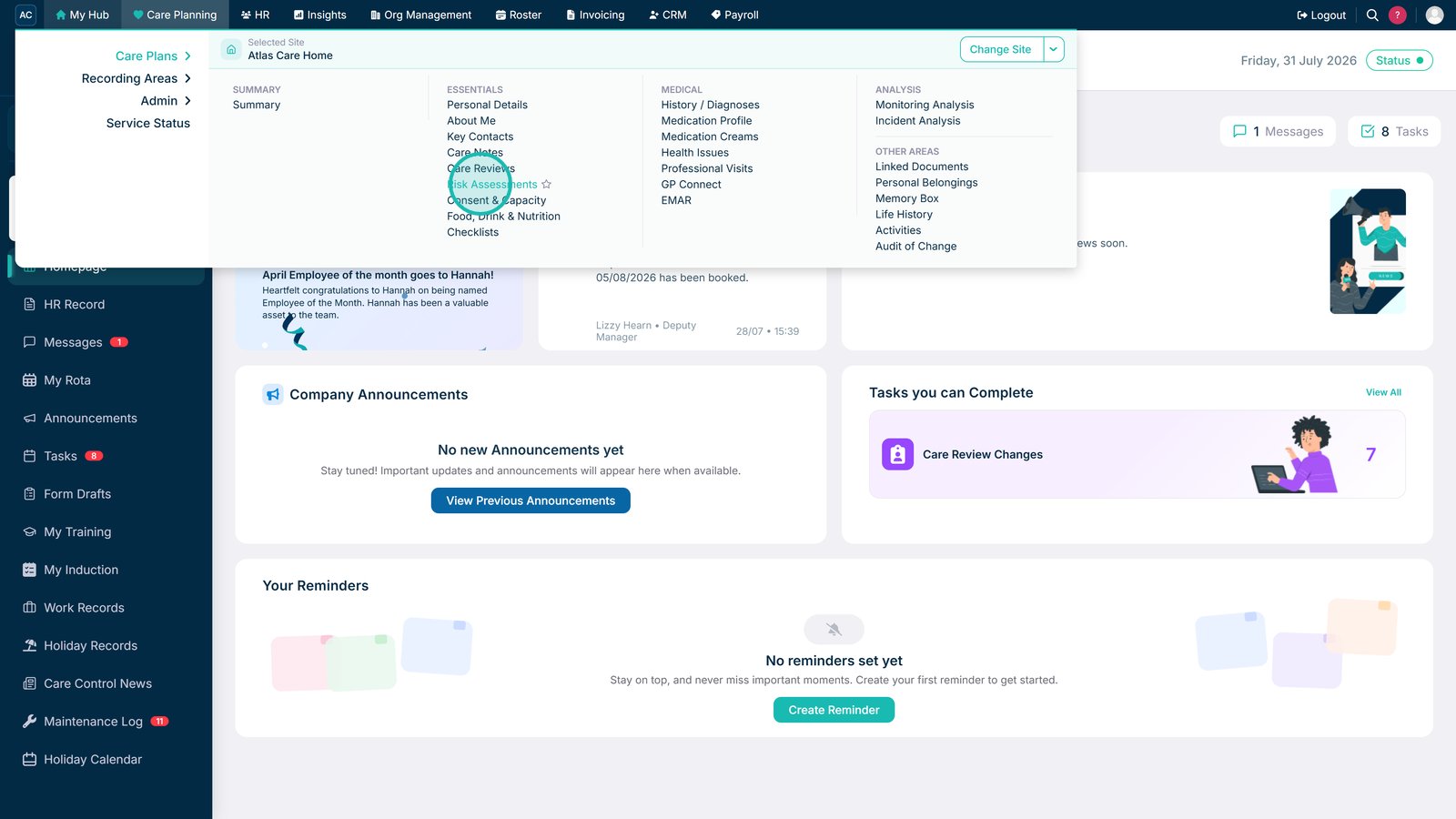
Open Risk Assessments from Care Plans.

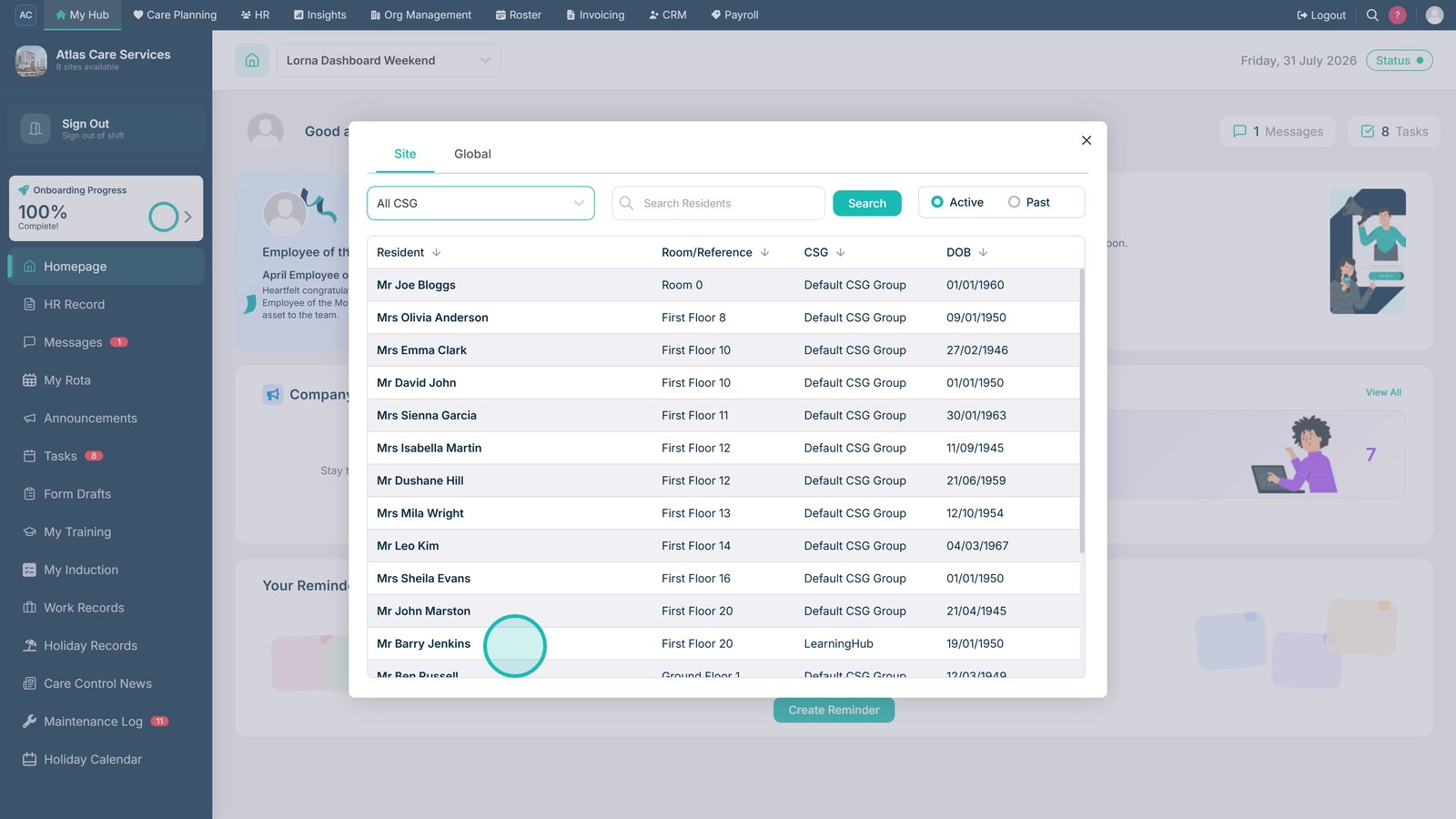
Select the required service user.

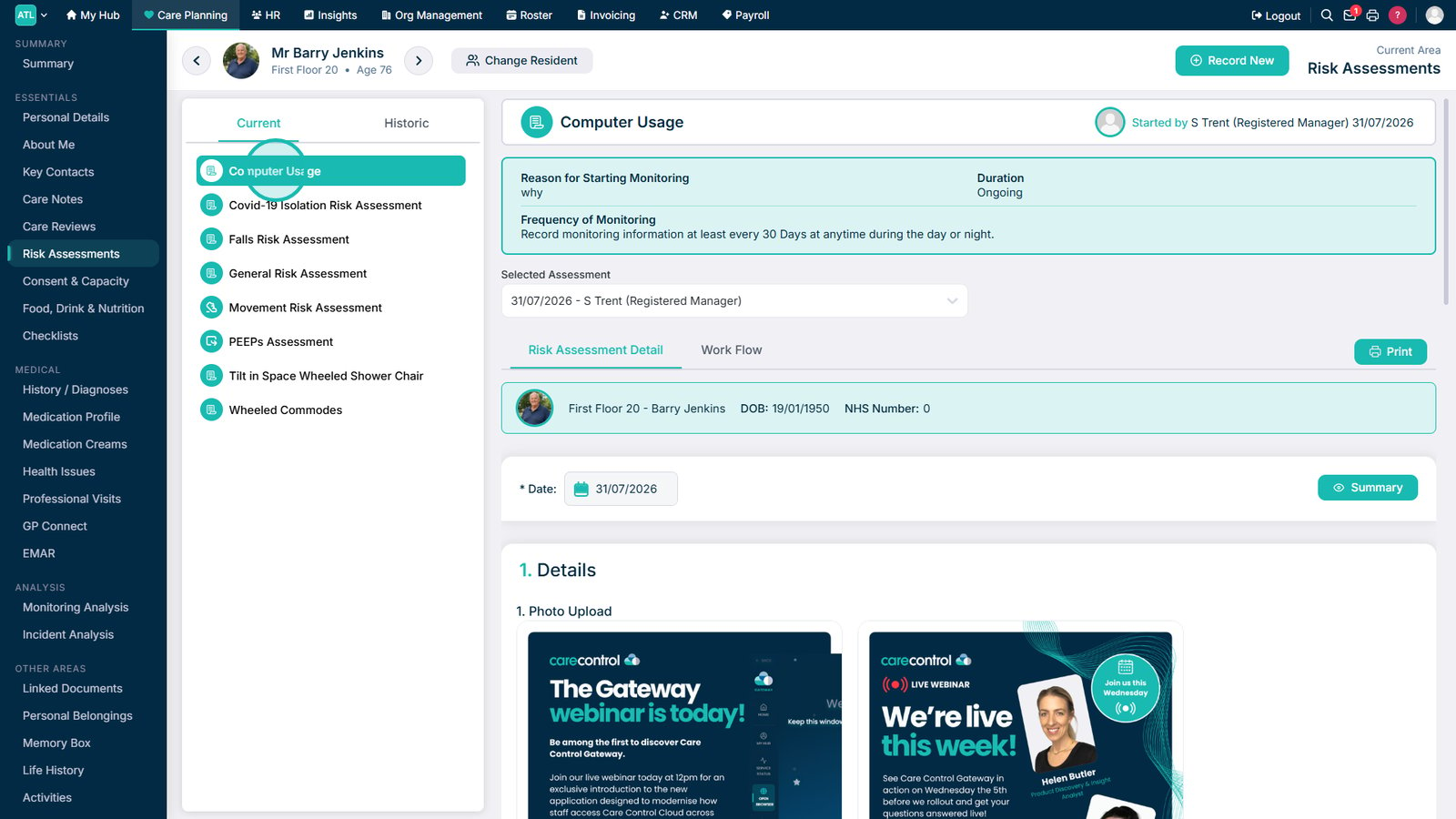
Select the custom monitoring assessment from the list.

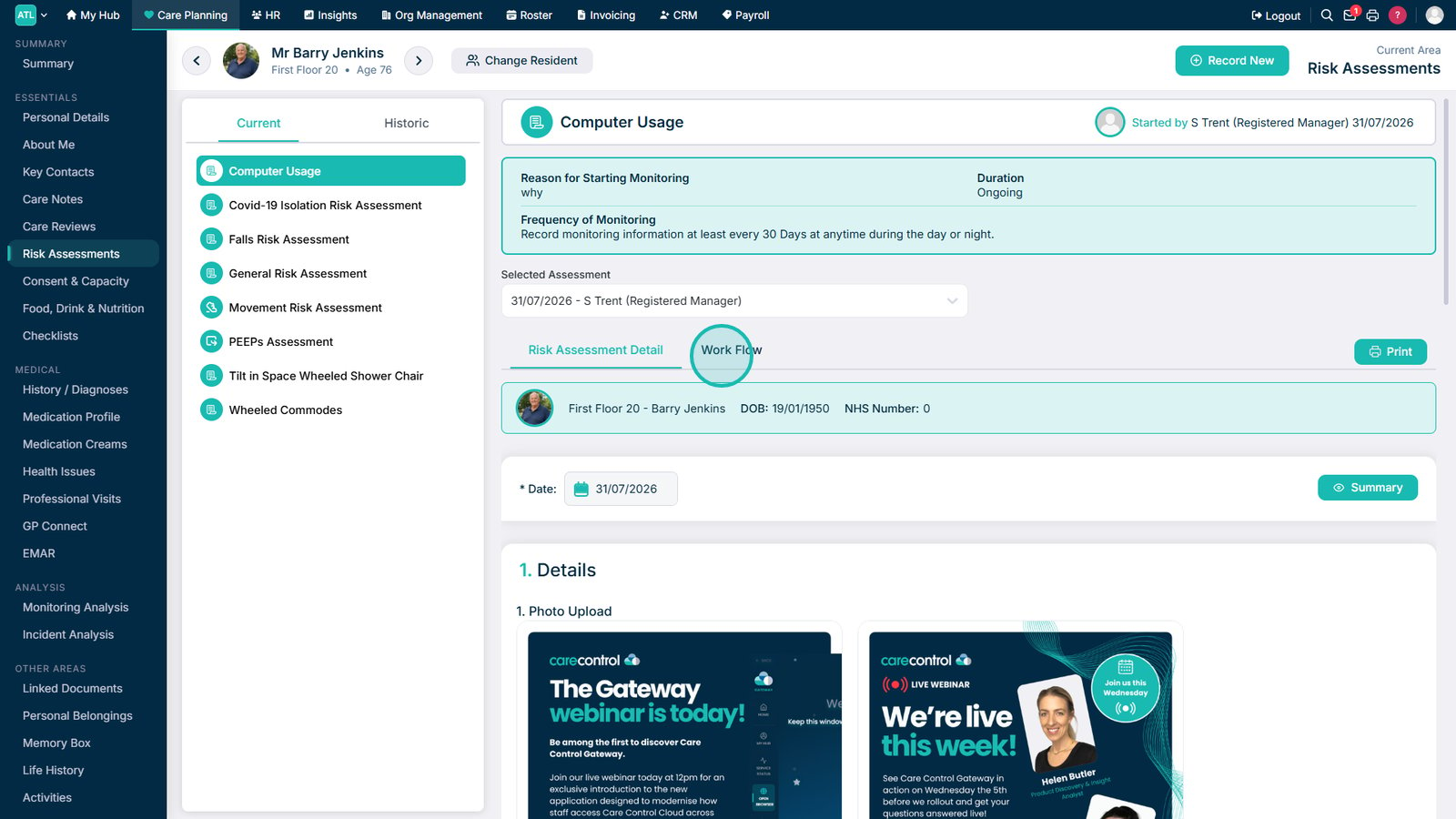
Select Work Flow while viewing the assessment.

Review who claimed and completed each section and when it was completed.
Top tip
Use the workflow history to check the progress of each section and identify which staff members have claimed or completed it.
Need more help?
Can't find what you're looking for? Our support team is here to help.
Contact SupportOr call us on