How to Record Fluid Intake
his guide explains how to record a service user's fluid intake by selecting the amount consumed, recording when it was taken, choosing the drink type and delivery method, and saving the completed record.
Takes 3 minutes
For: Care Staff
Updated: 27/07/2026
Introduction
The Fluid Intake recording area allows you to record how much fluid a service user has consumed, along with the drink type, delivery method, and any additional observations. Accurate fluid records help monitor hydration and support ongoing care.
In this guide you'll learn how to:
- Open the Fluid Intake recording area
- Select a service user
- Record the amount of fluid consumed
- Record the date, time, drink type, and delivery method
- Save the completed record
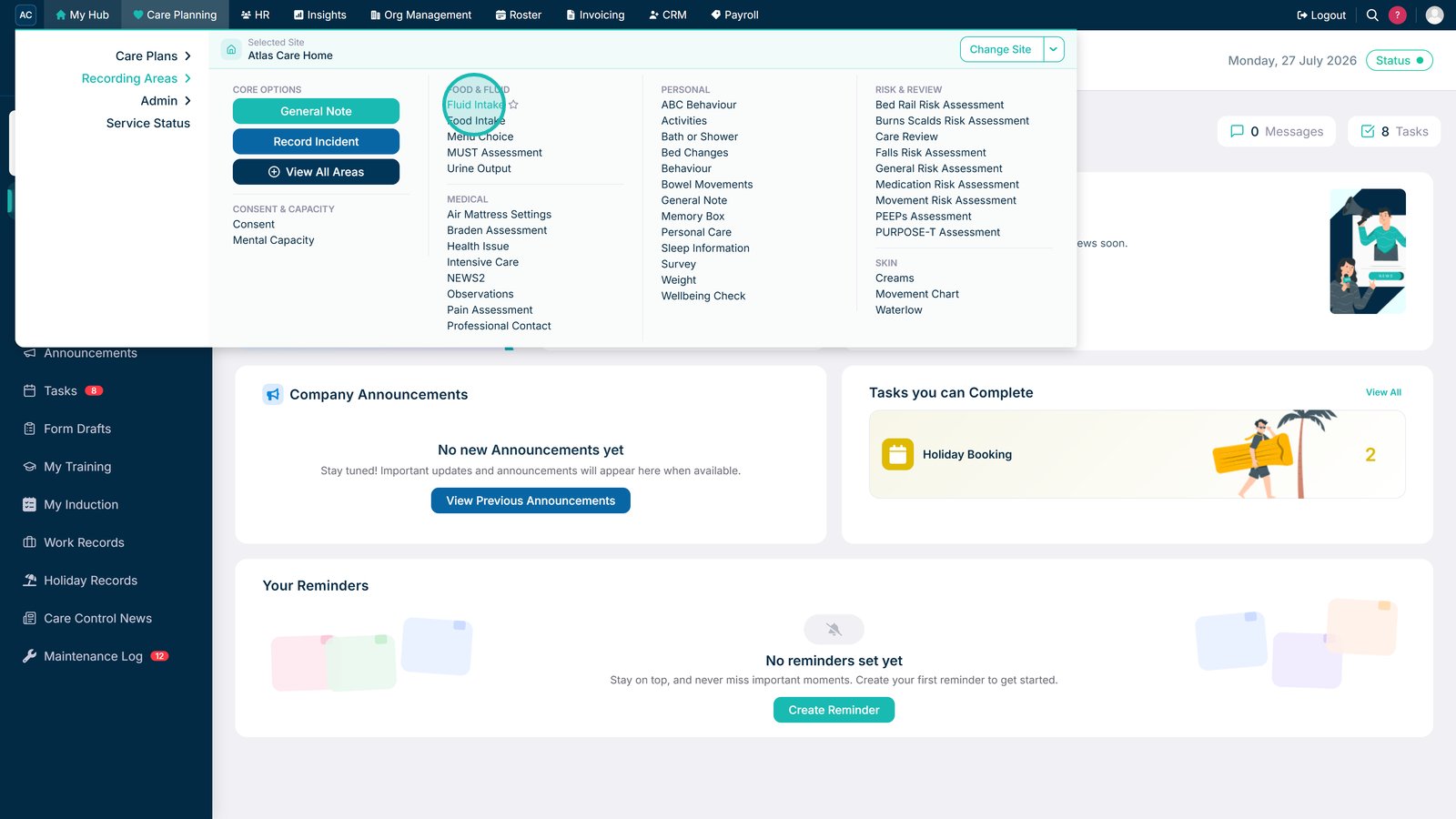
Select Fluid Intake under Recording Areas in Care Planning.

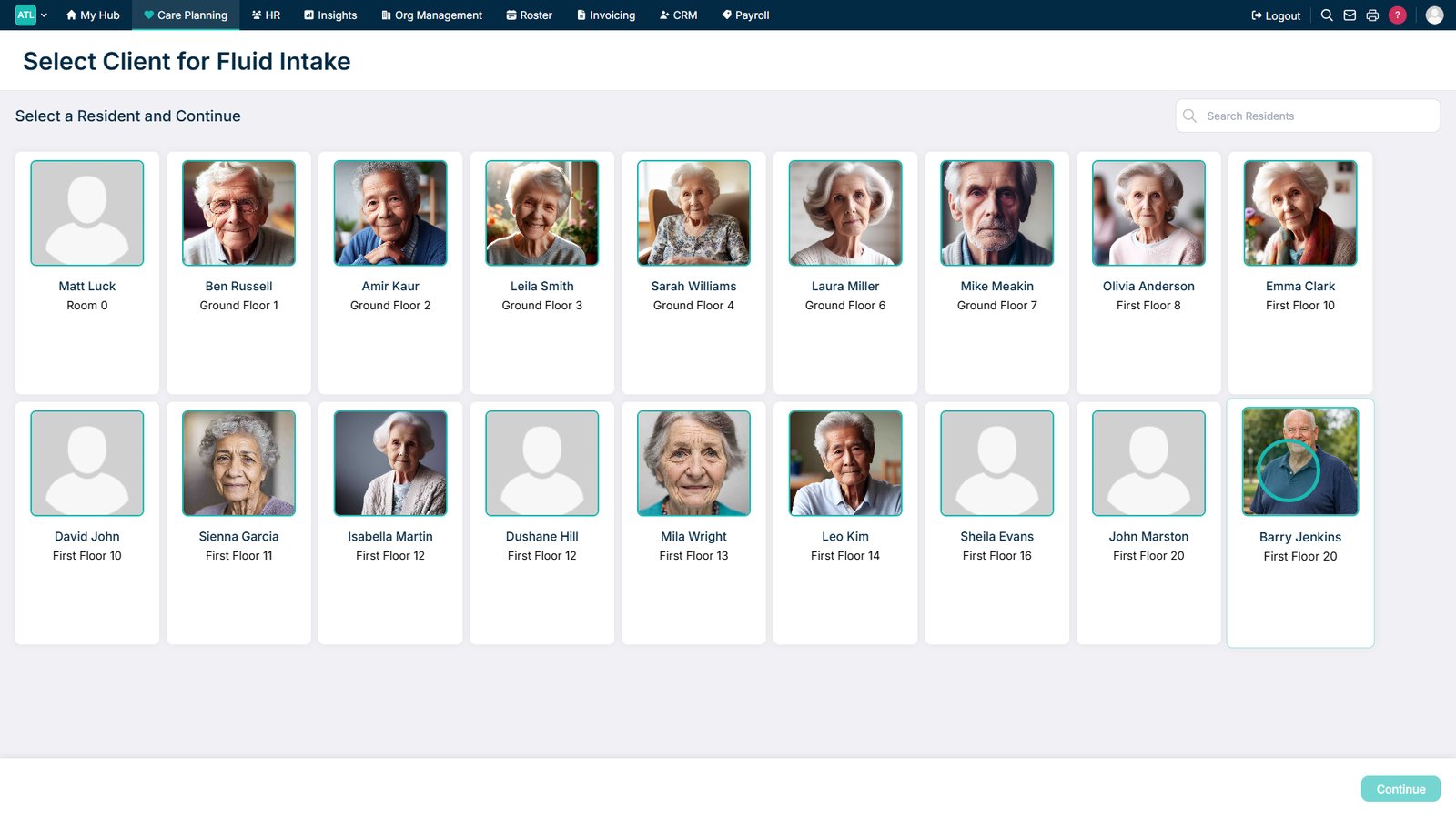
Select the service user you want to record fluid intake for.

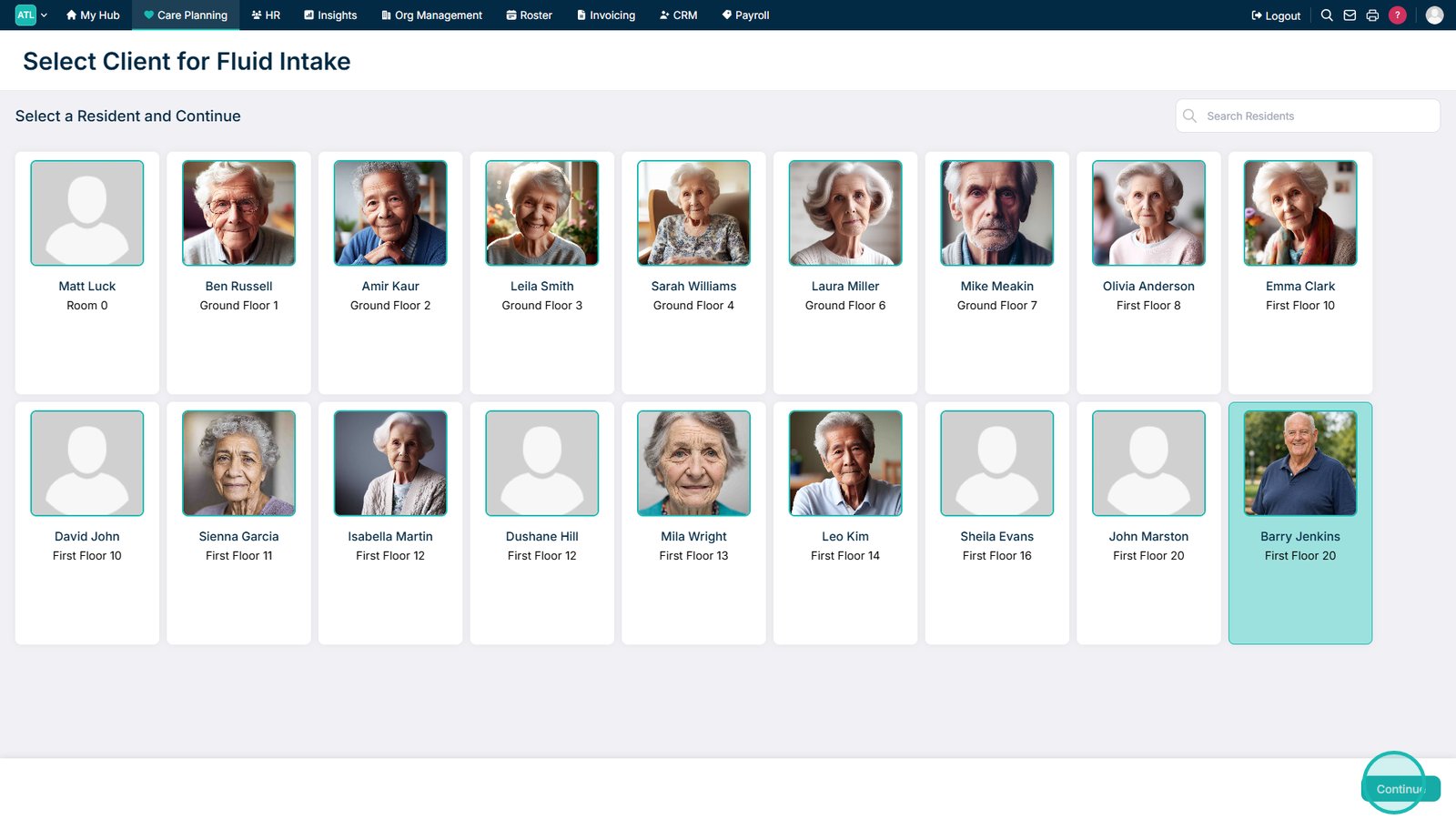
Select Continue.

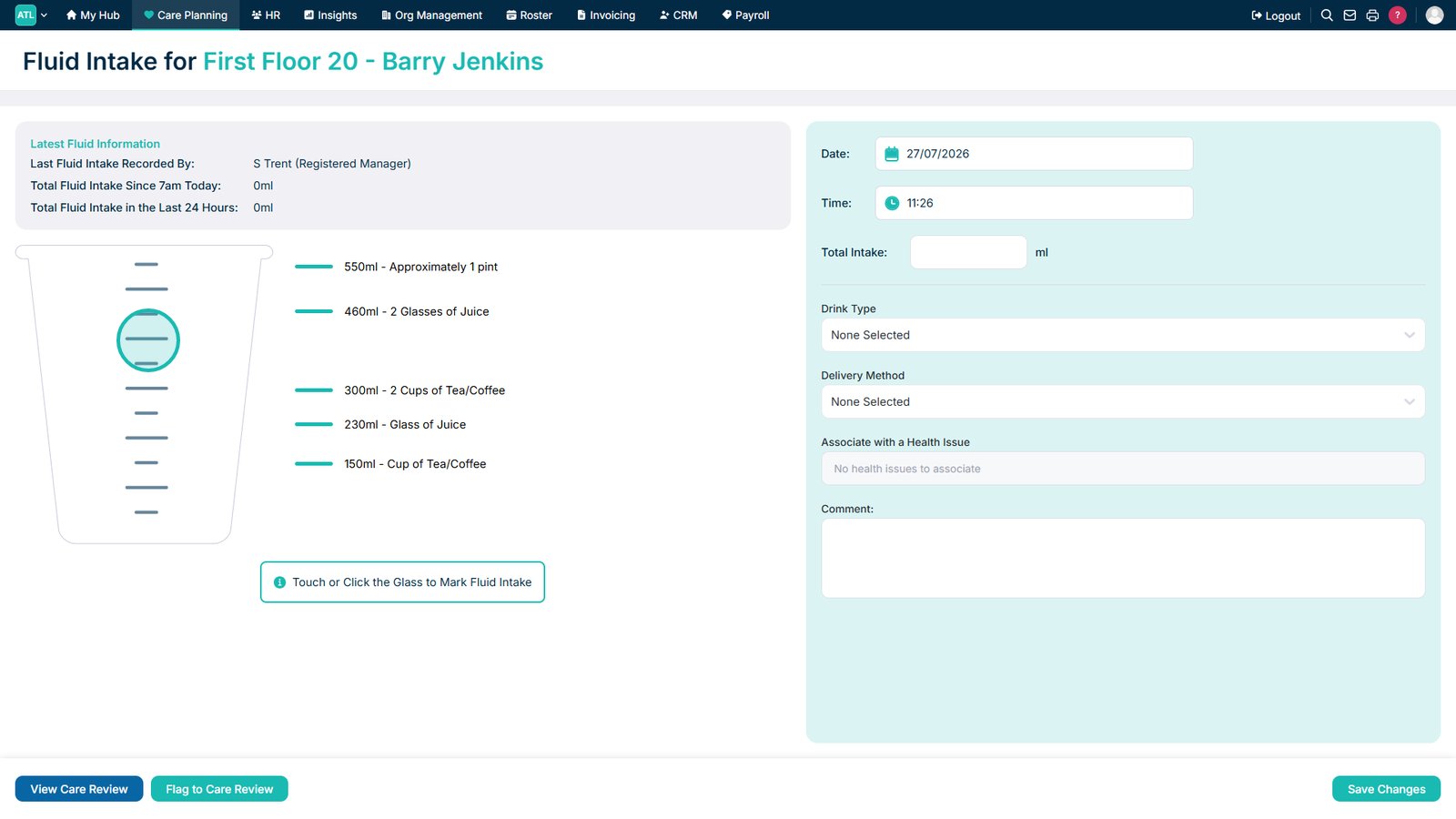
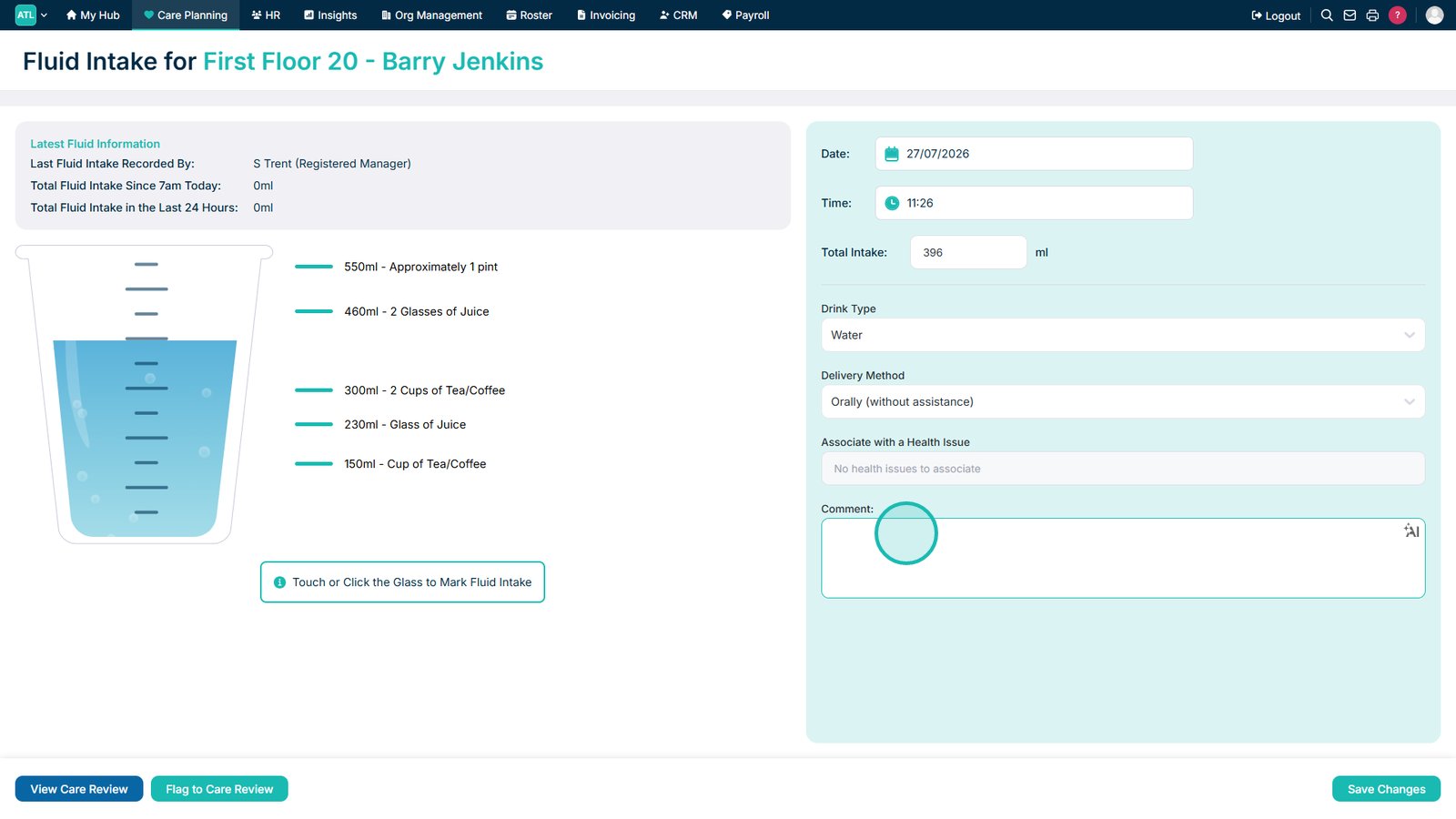
Select the amount of fluid consumed.

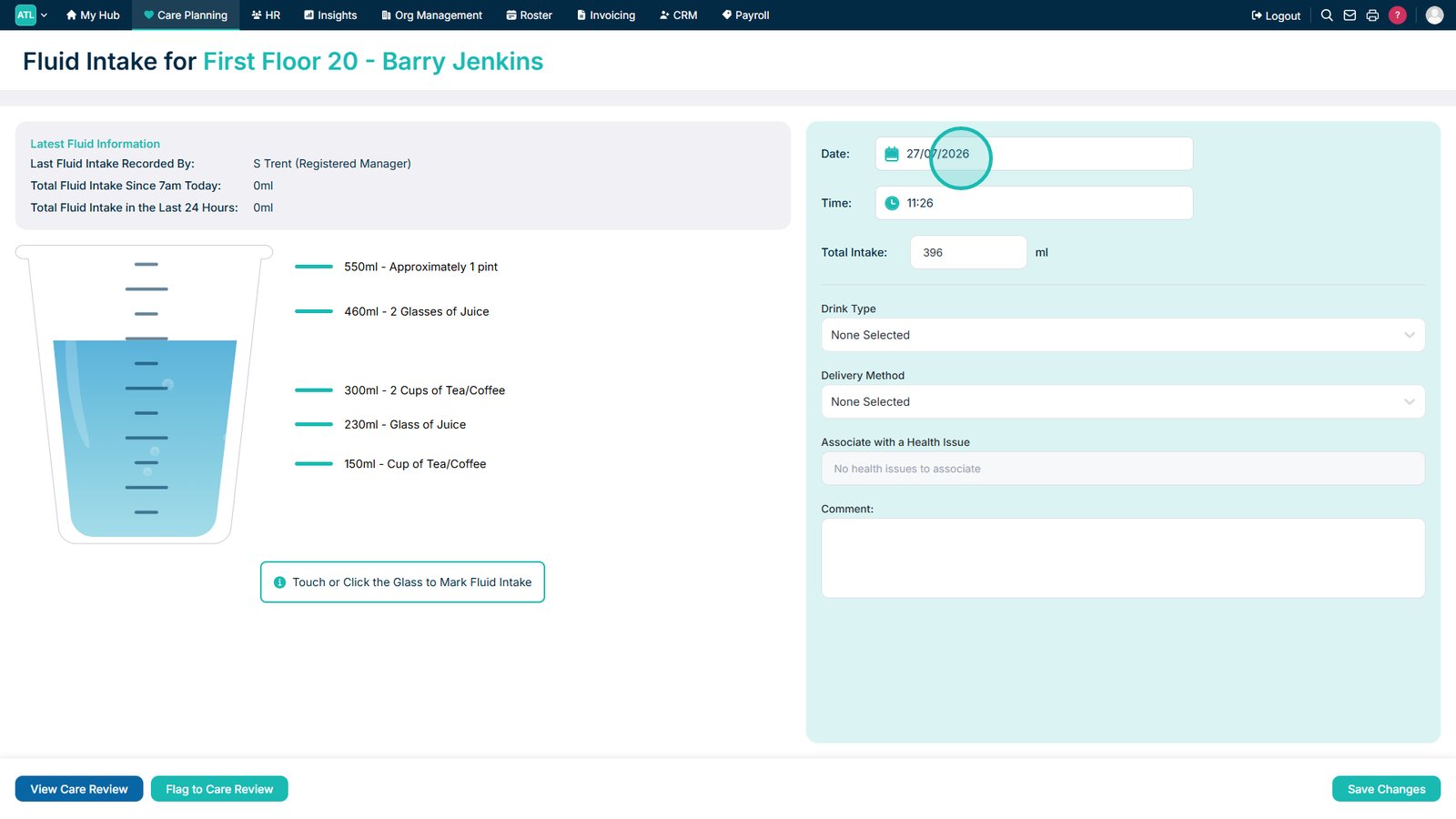
Review or amend the date the fluid was consumed.

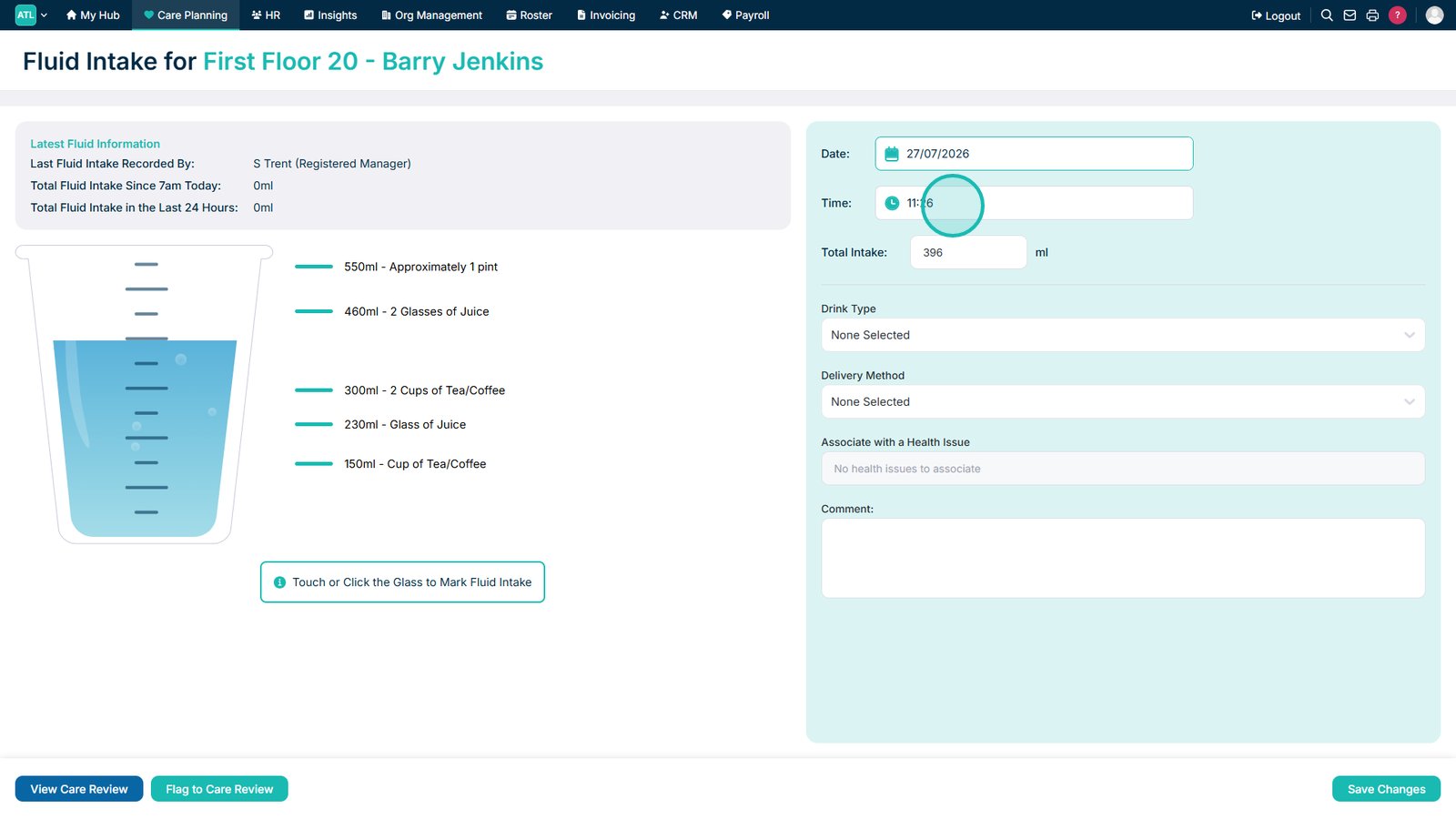
Review or amend the time the fluid was consumed.

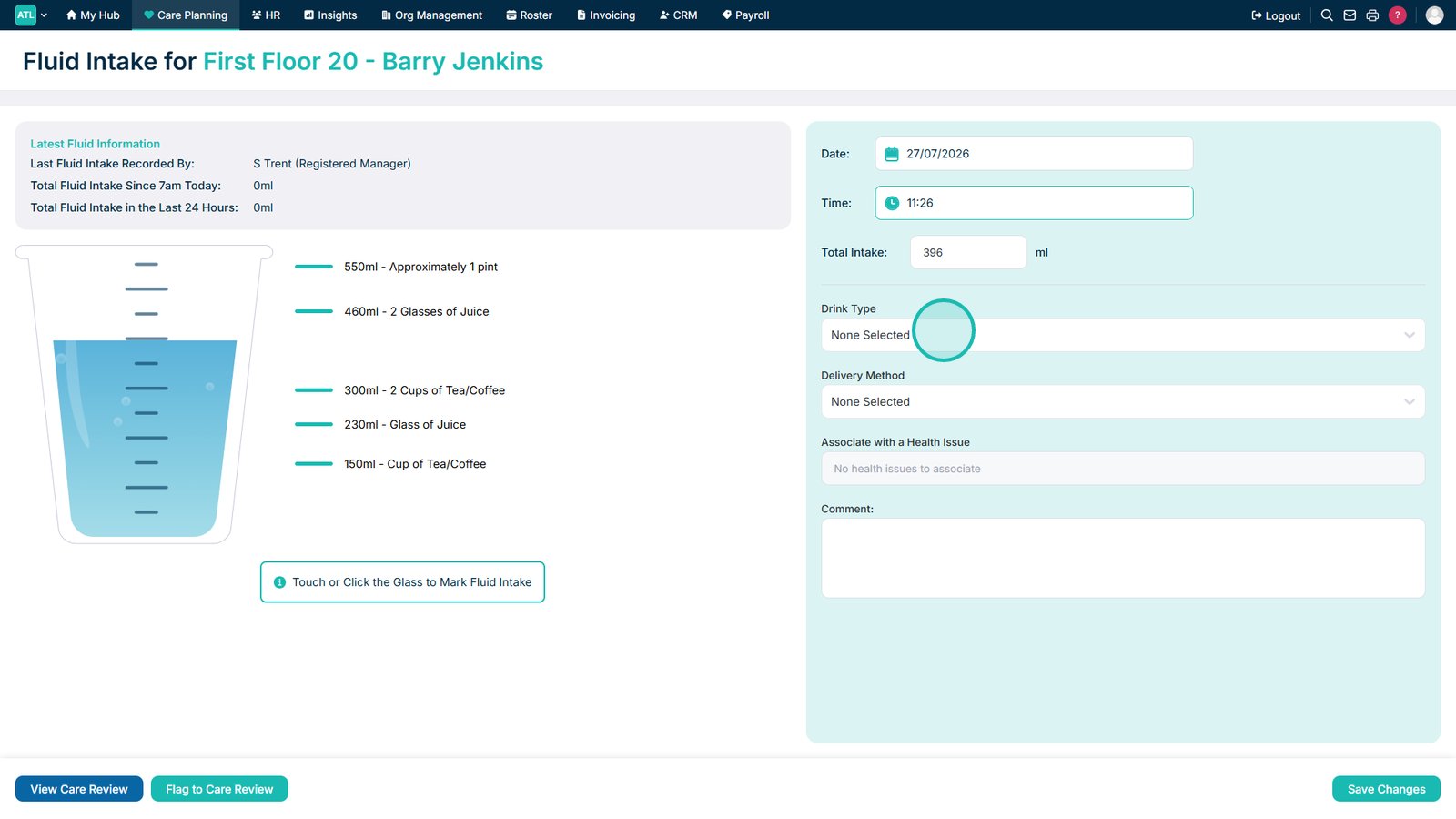
Select the drink type.

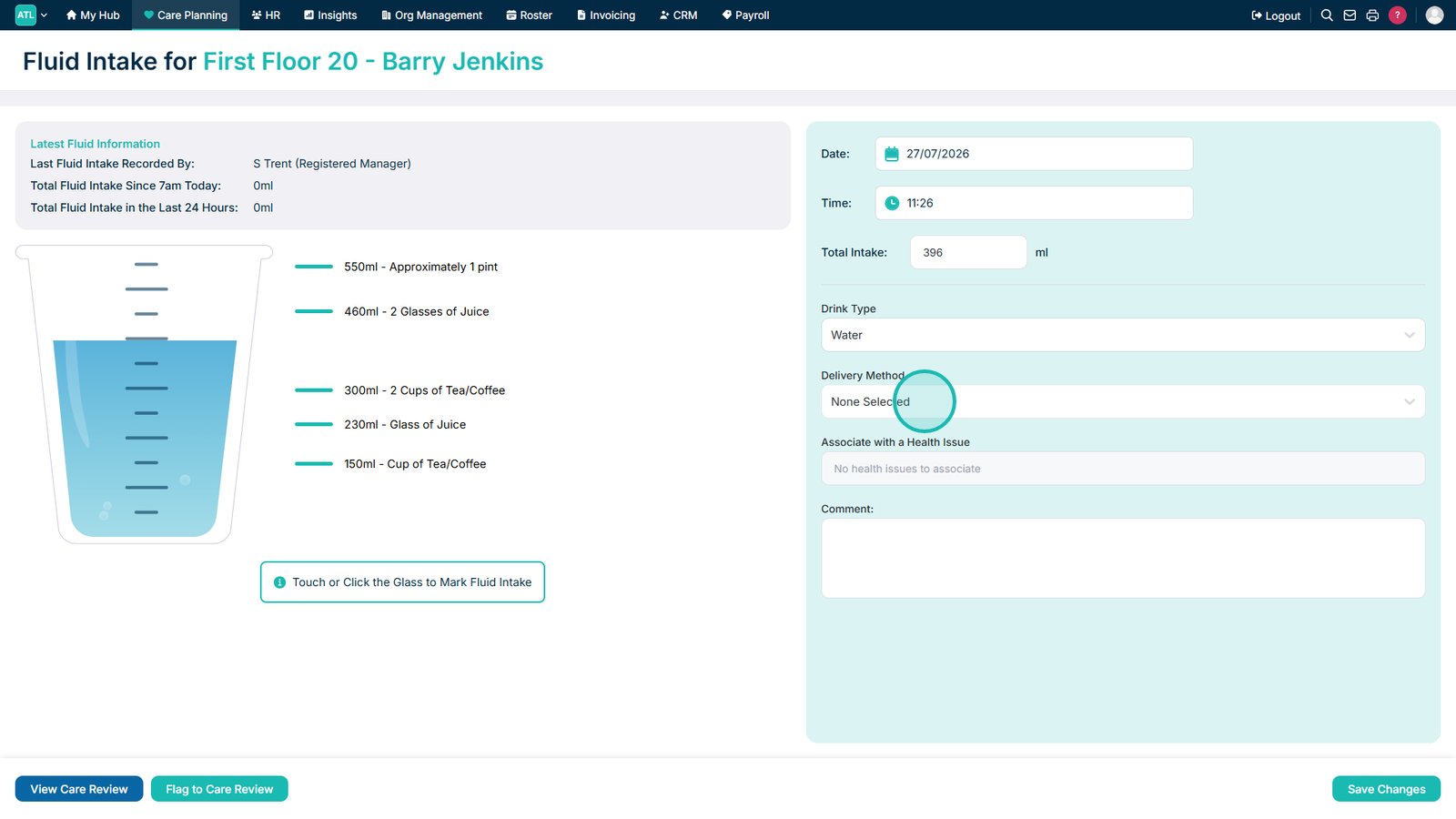
Select the delivery method.

Add a comment if additional information is required.

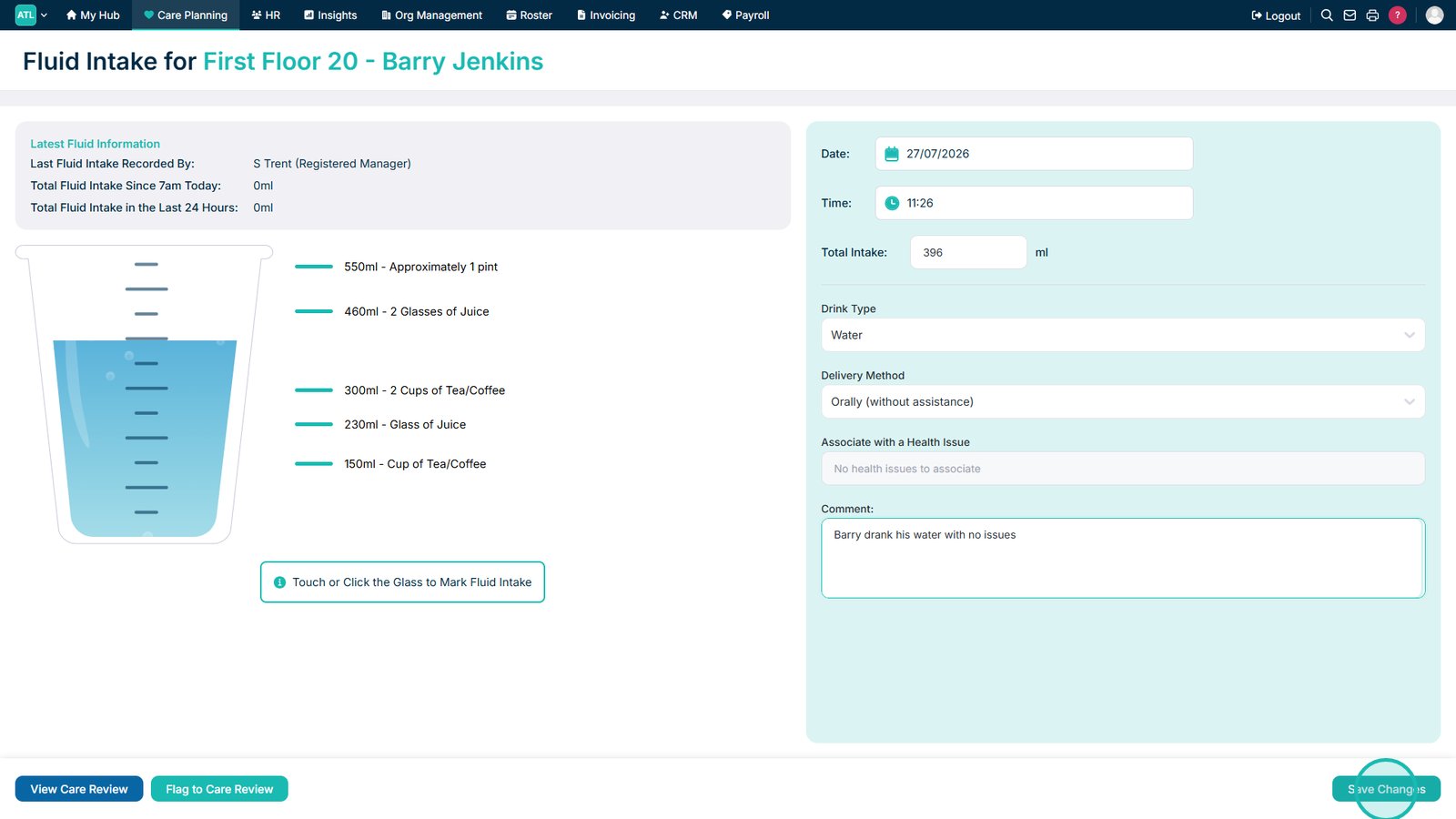
Select Save Changes to save the fluid intake record.

Top tip
Record fluid intake as soon as possible after it has been consumed to help ensure hydration records remain accurate.
Need more help?
Can't find what you're looking for? Our support team is here to help.
Contact SupportOr call us on