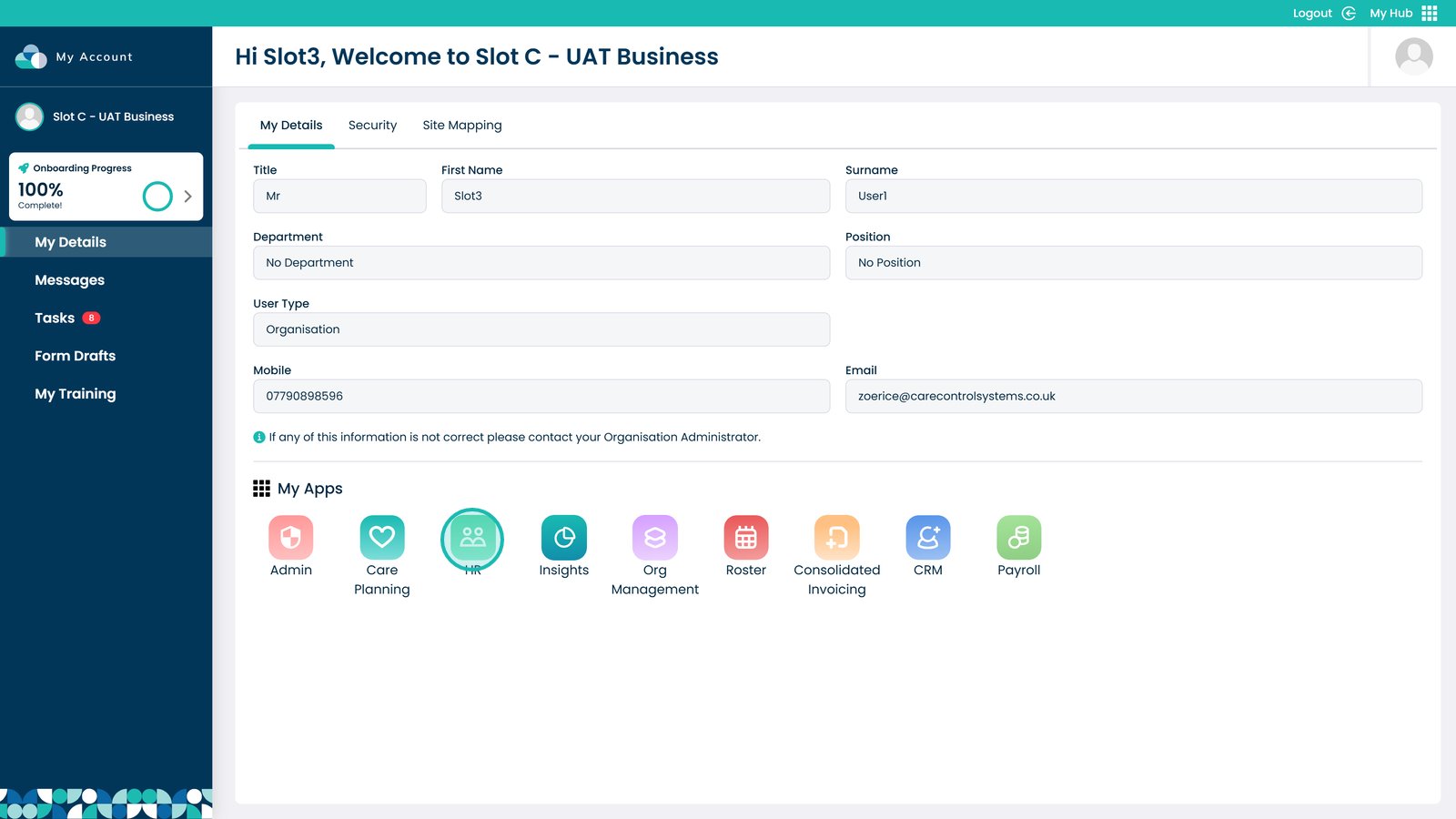
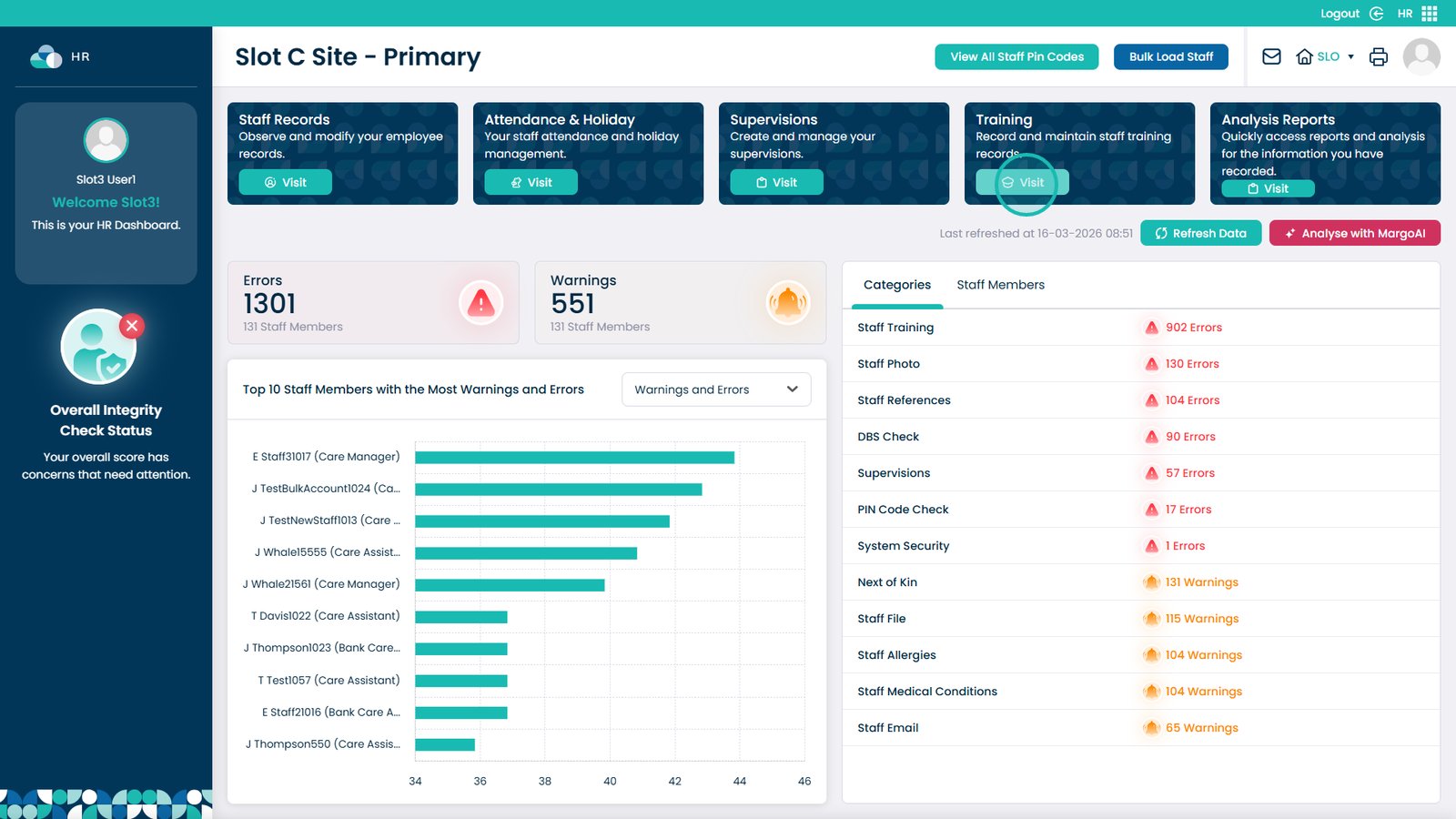
This guide explains how to assign a training course to an individual staff member within the Training Area of Care Control’s HR app. Rather than relying solely on automatic assignment rules, this allows you to manually assign a specific course directly to a staff member’s record, giving you full control over individual training requirements. This step-by-step guide walks you through locating the staff member, selecting the appropriate course, and setting the renewal period before saving.