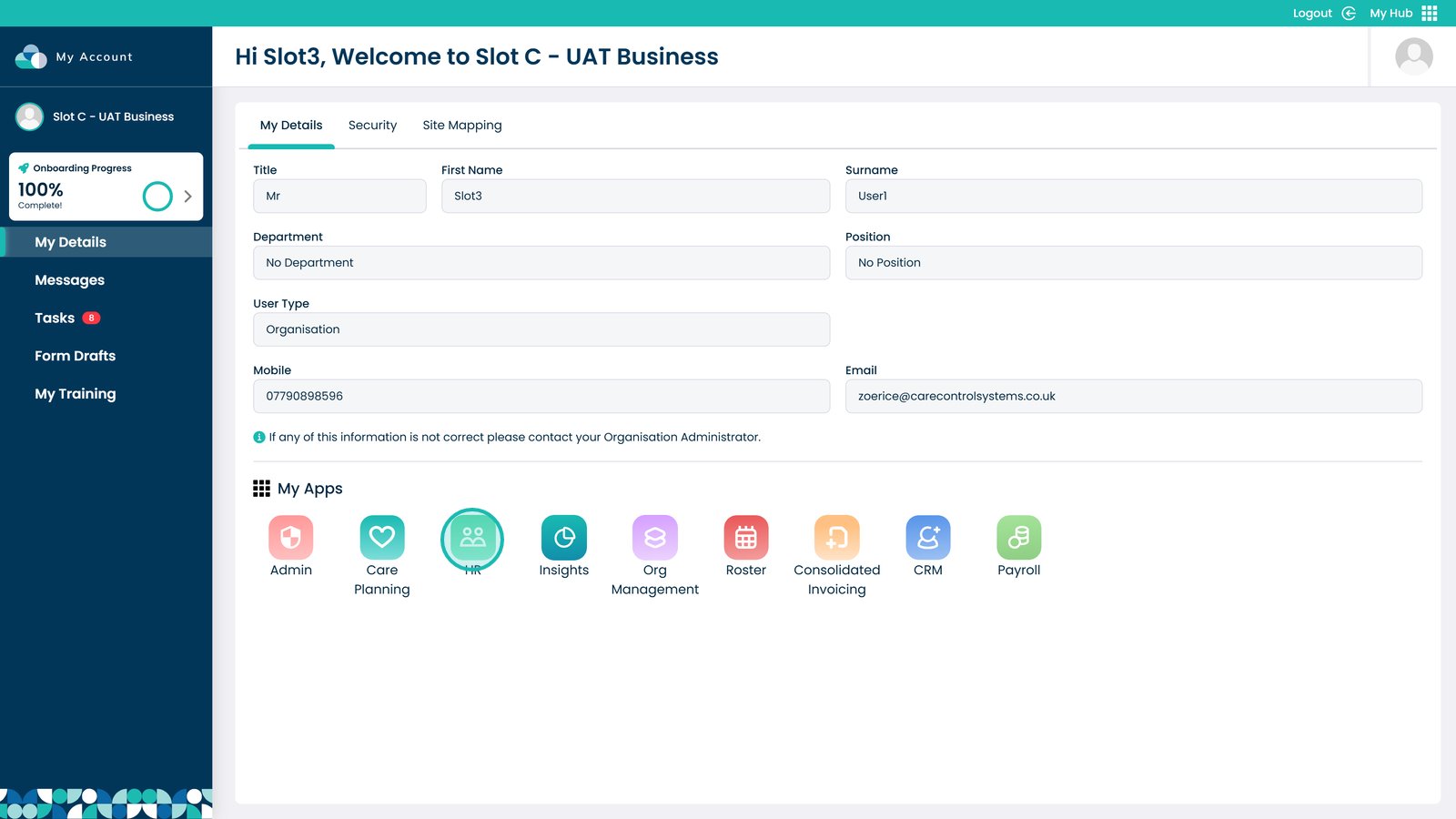
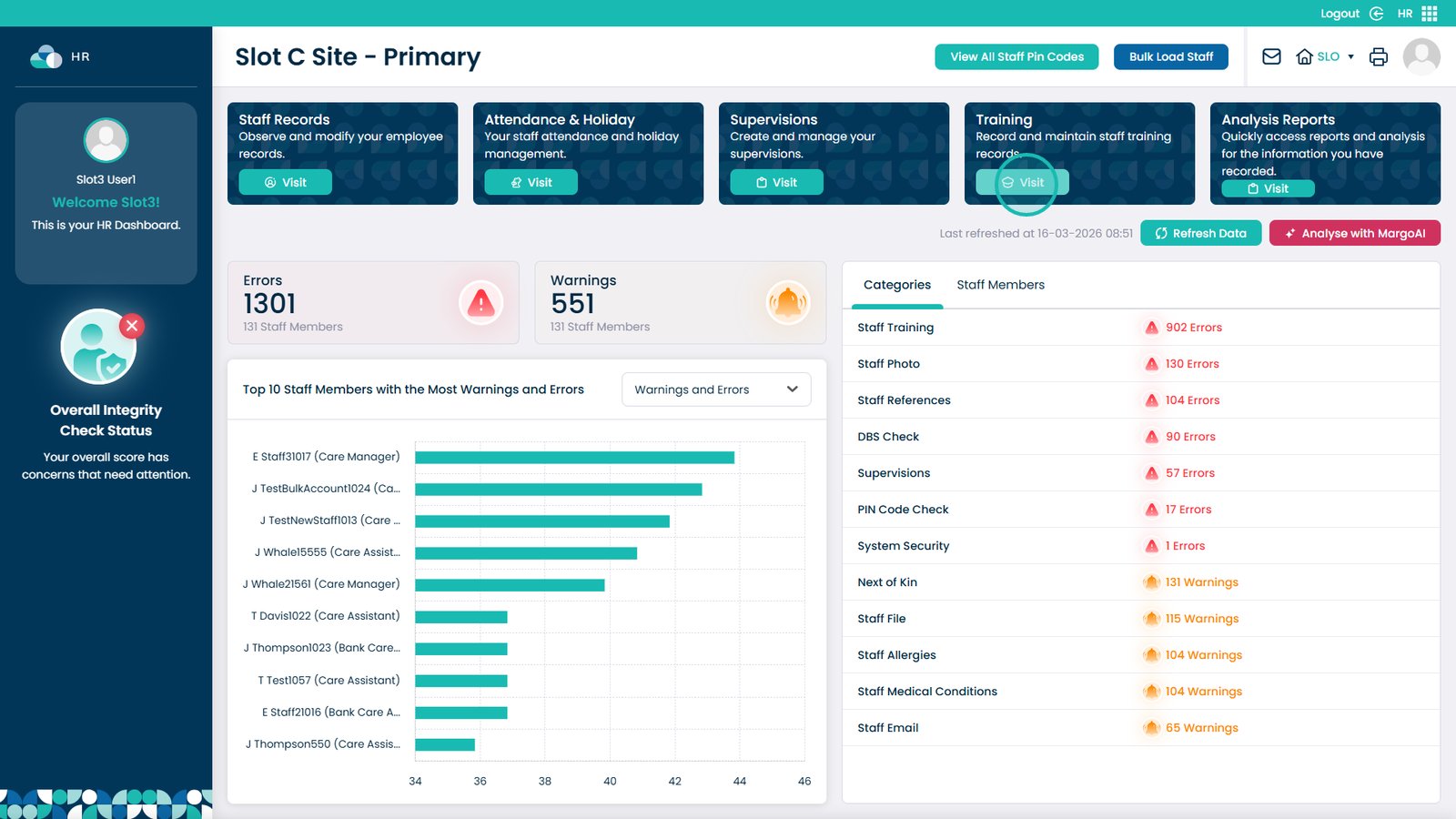
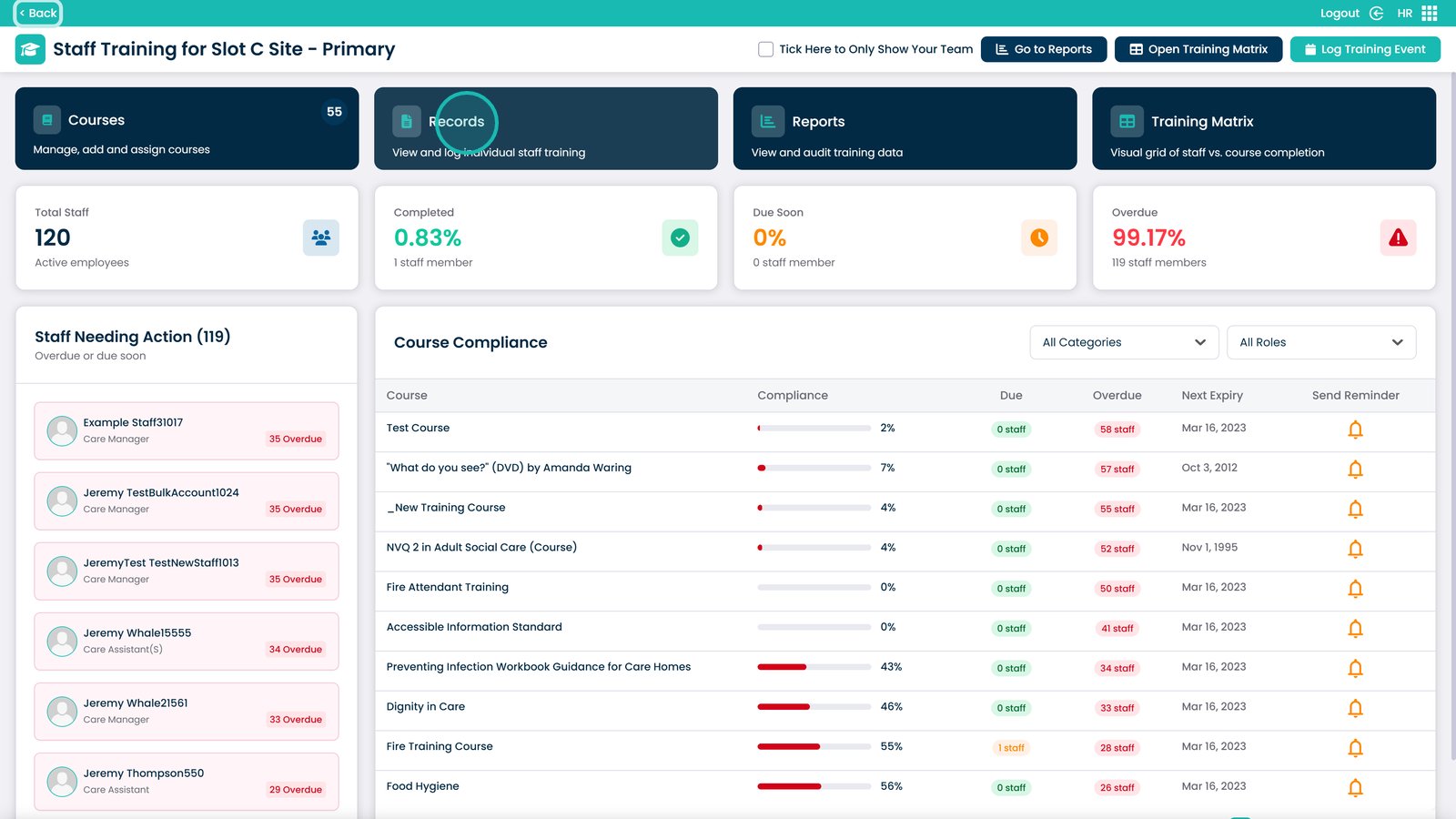
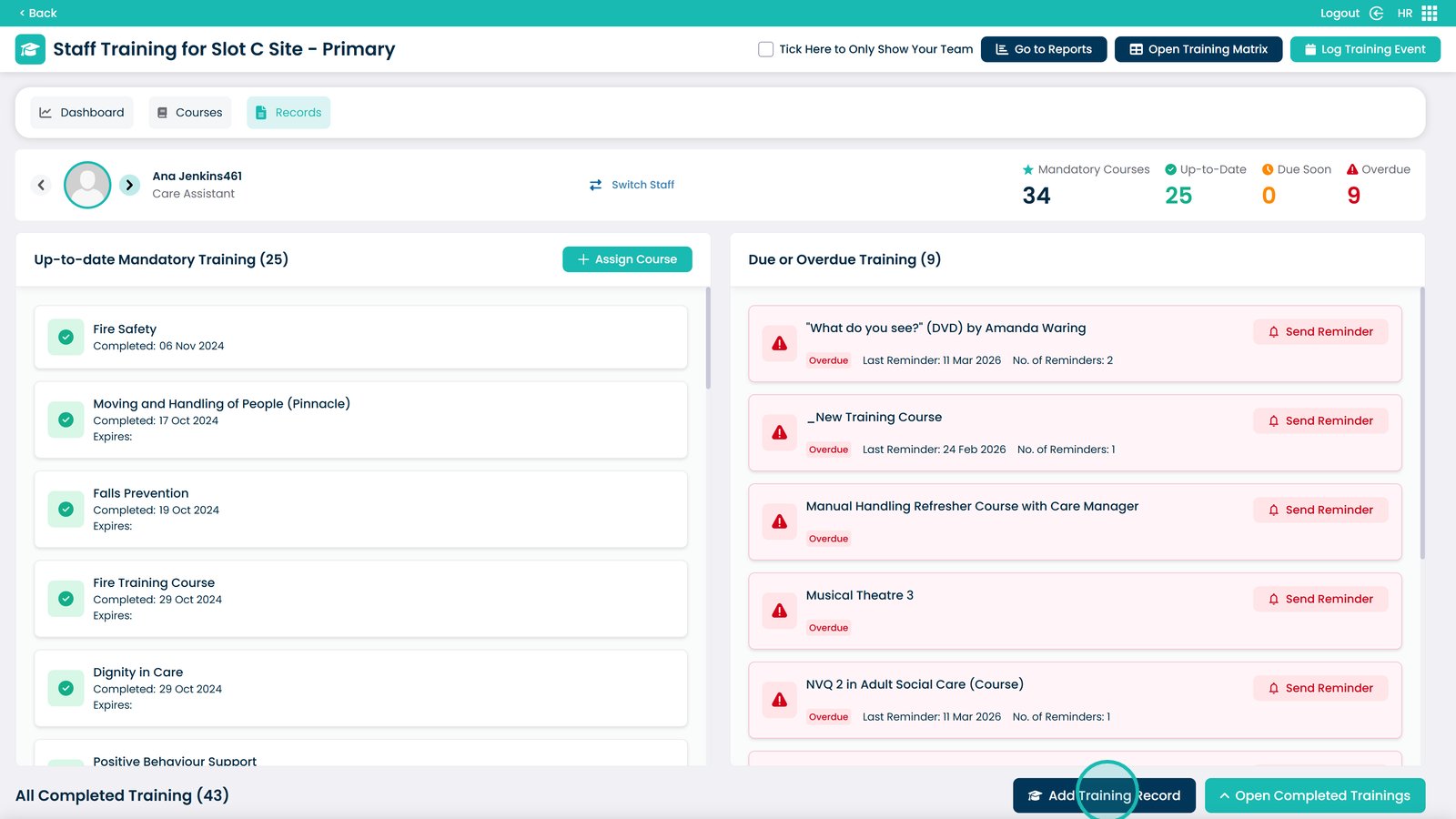
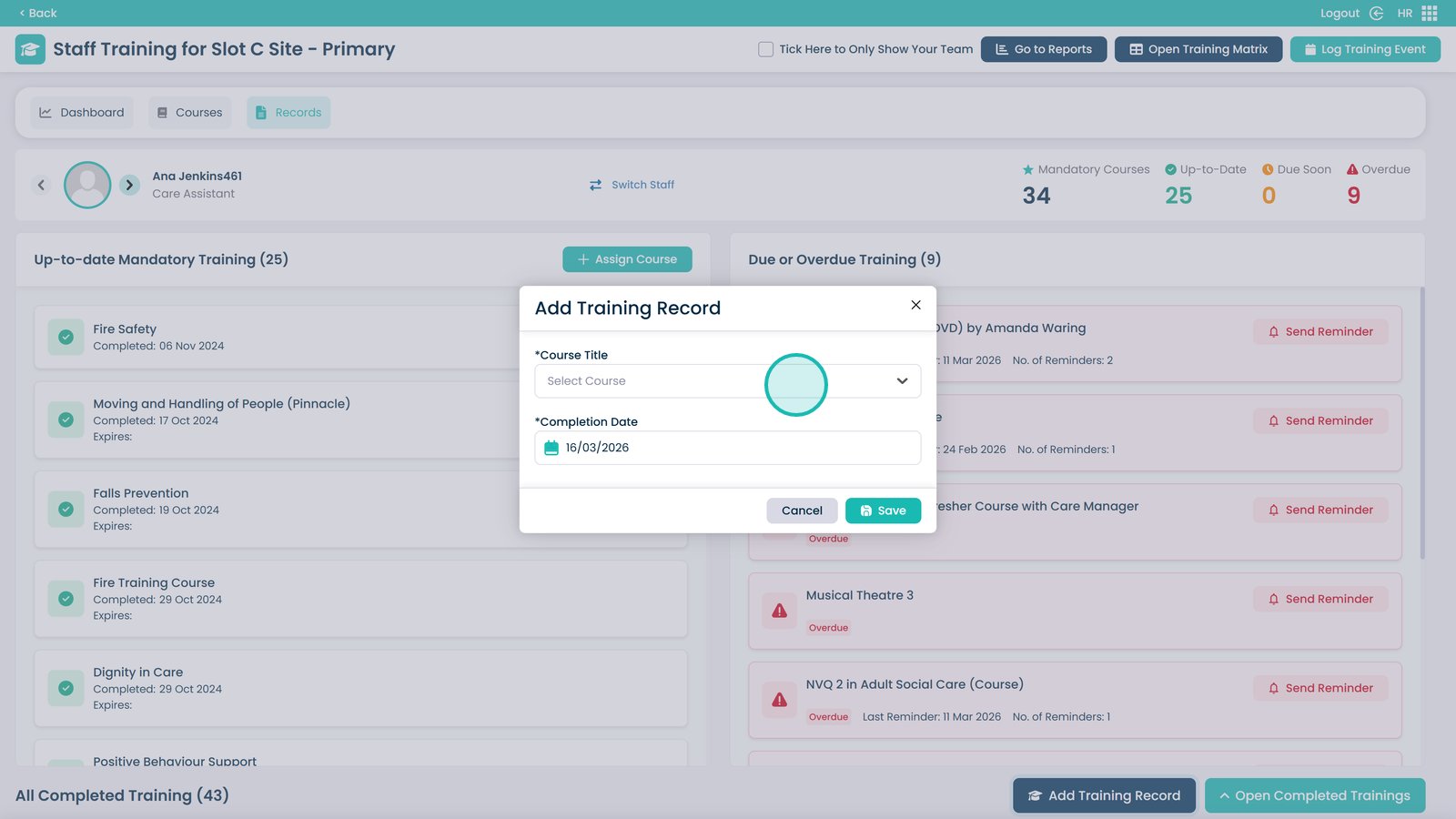
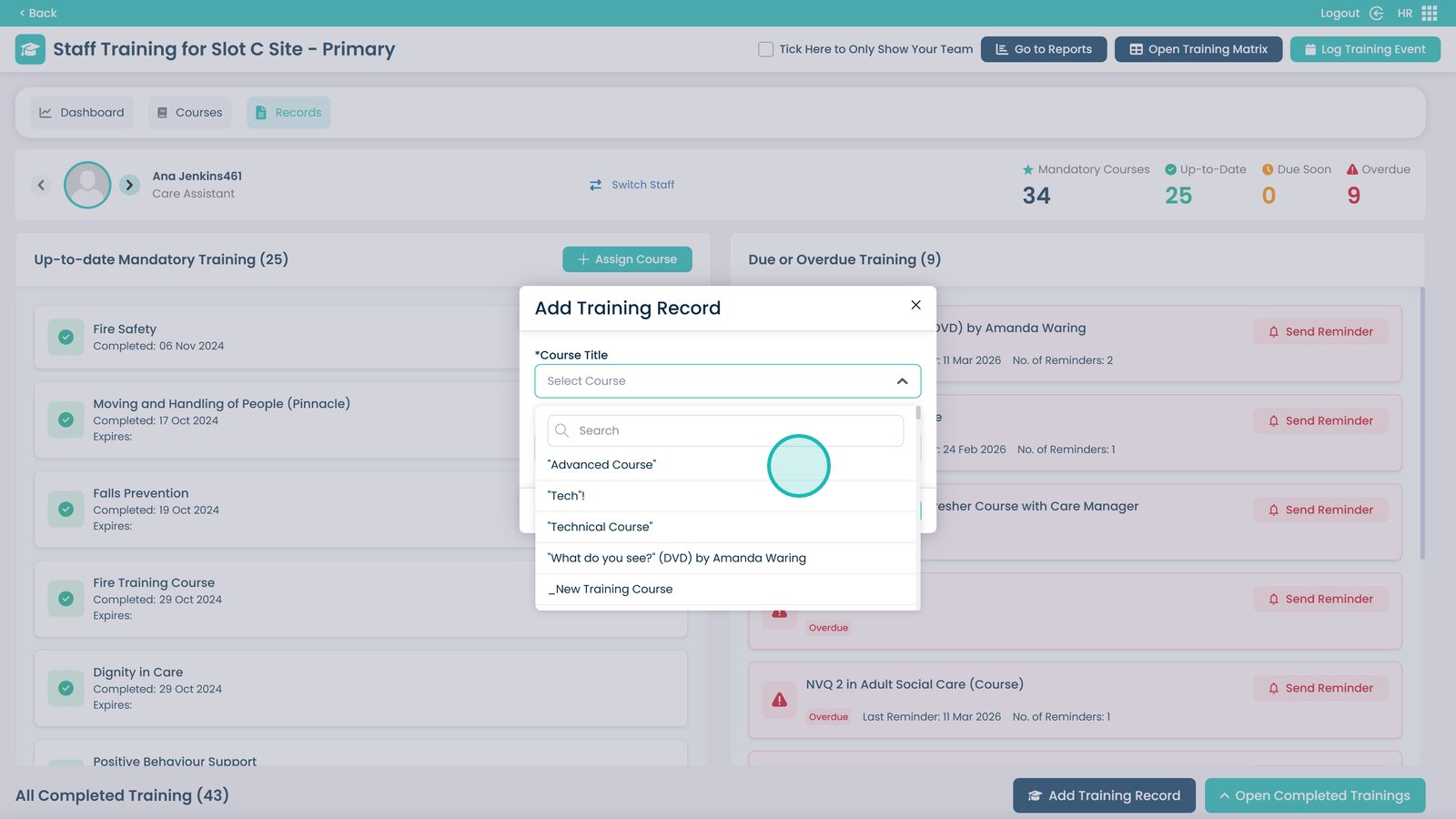
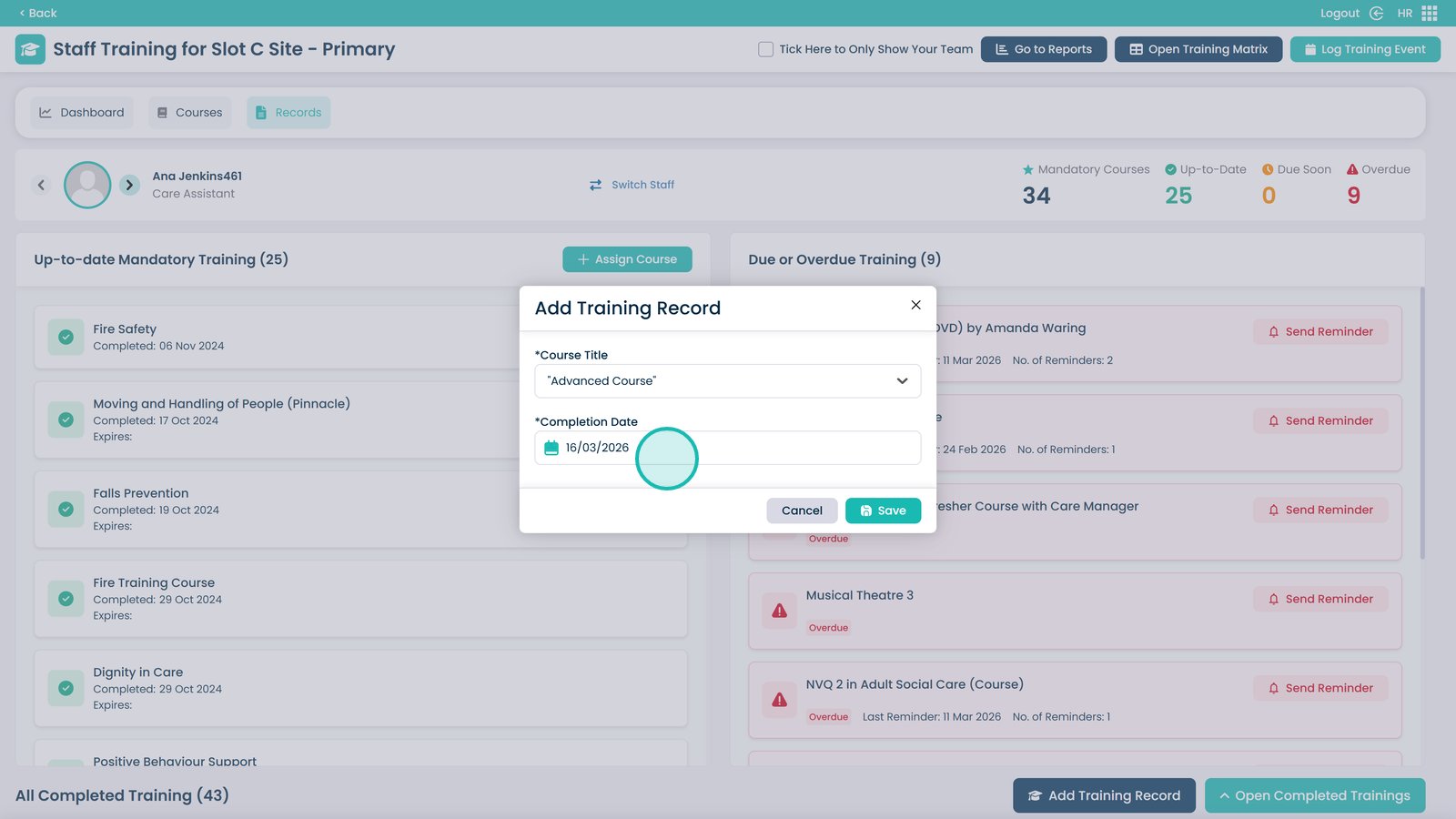
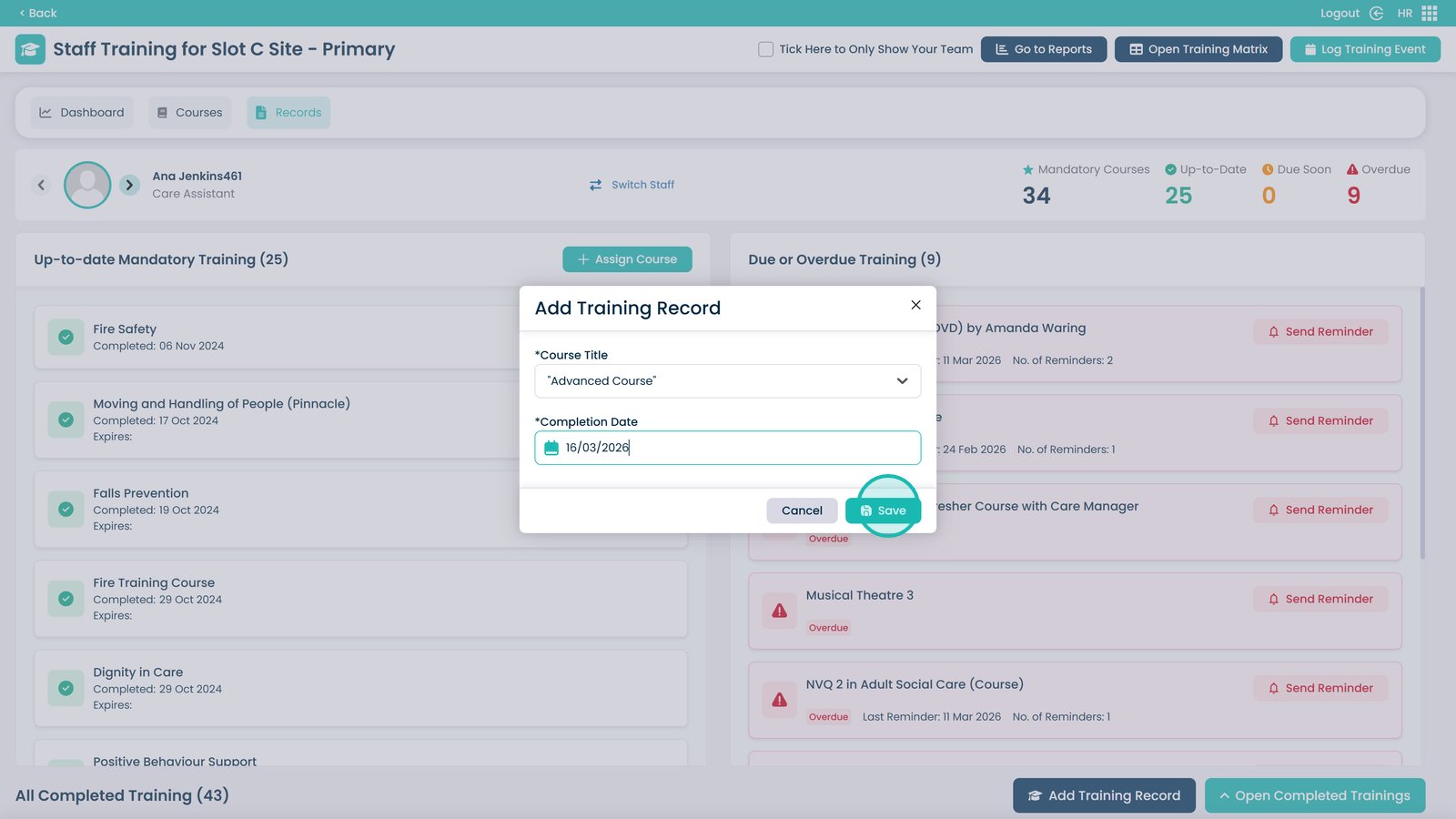
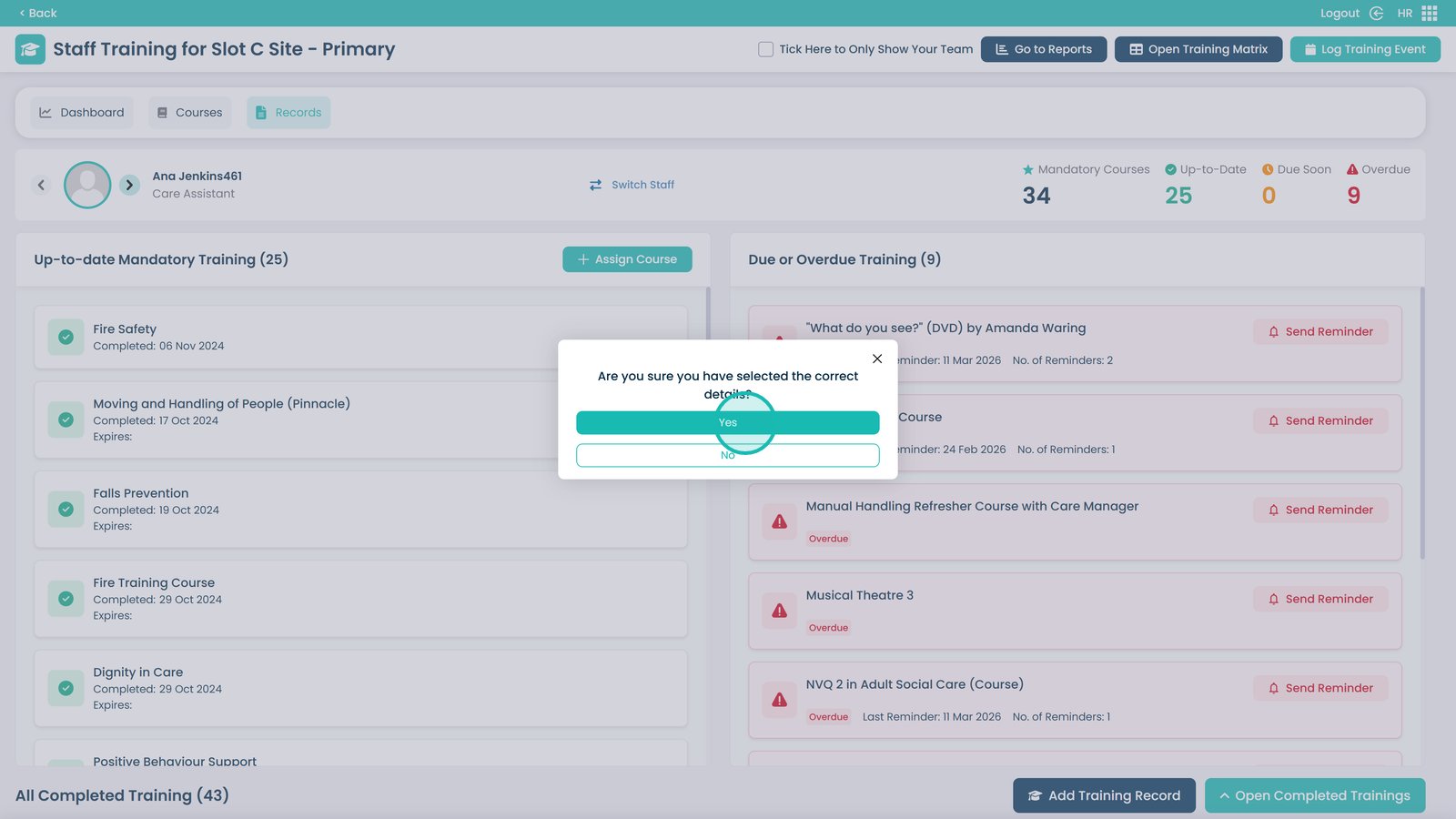
This guide explains how to manually add a completed training record to an individual staff member’s profile within the Training Area of Care Control’s HR app. This is useful when a course has been completed outside of the system and needs to be logged retroactively to keep training records accurate and up to date. This step-by-step guide walks you through selecting the relevant course, confirming the completion date, and saving the record to the staff member’s profile.