Bank Holiday Closure Notice: We will be closed on the 3rd April for the Easter bank holiday, so our customer service team will not be available on this day. If you need to get in touch, you can still use our customer contact form and we will get back to you as soon as possible. Even better, Margo will still be available on our phone lines to help with your queries whenever you need support. We hope you have a lovely Easter weekend 🐣
View Categories
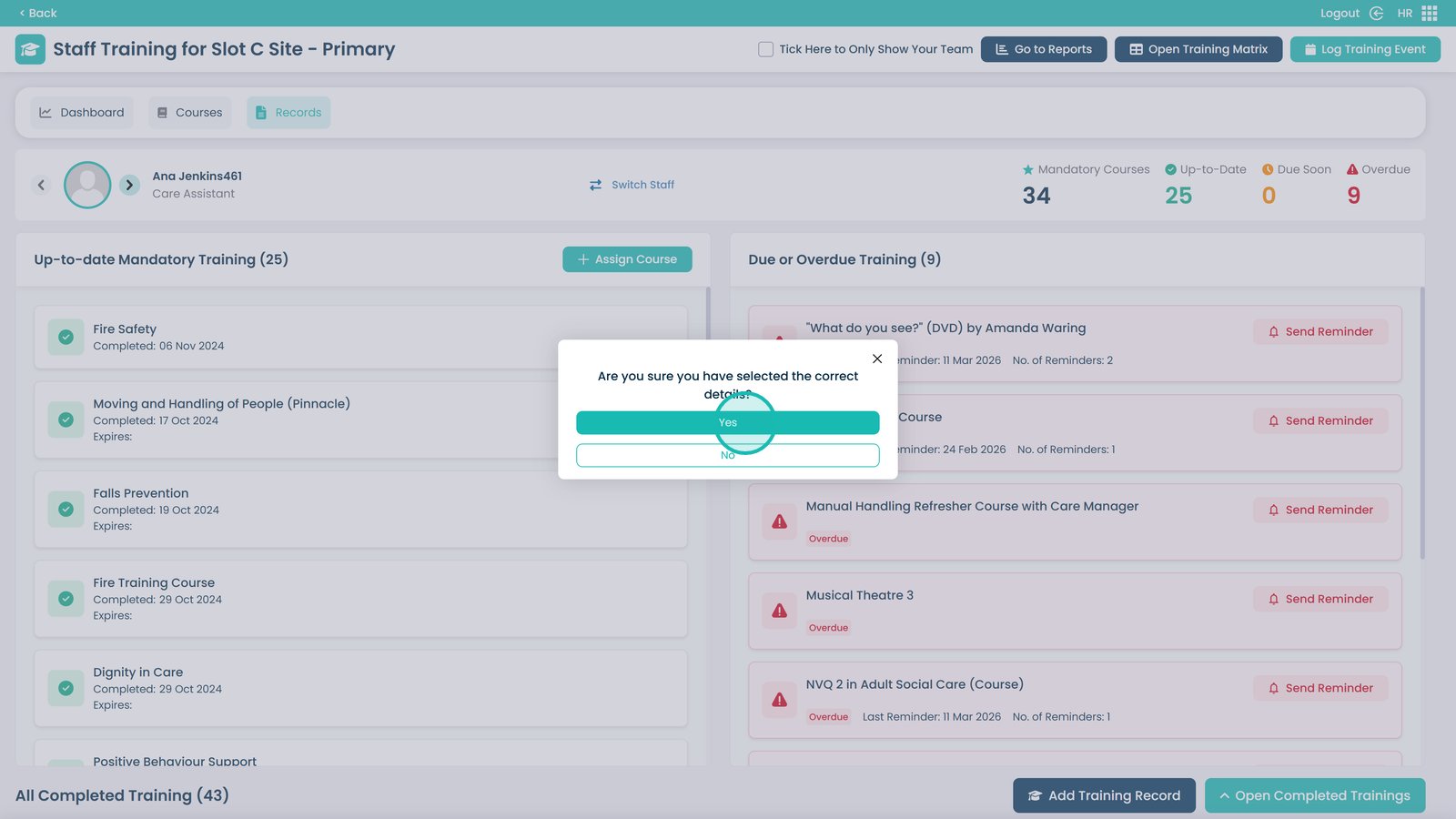
How to Manually Add a Training Record to a Staff Member
This guide explains how to manually add a completed training record to an individual staff member’s profile within the Training Area of Care Control’s HR app. This is useful when a course has been completed outside of the system and needs to be logged retroactively to keep training records accurate and up to date. This step-by-step guide walks you through selecting the relevant course, confirming the completion date, and saving the record to the staff member’s profile.
Interactive Guide
Text based guide
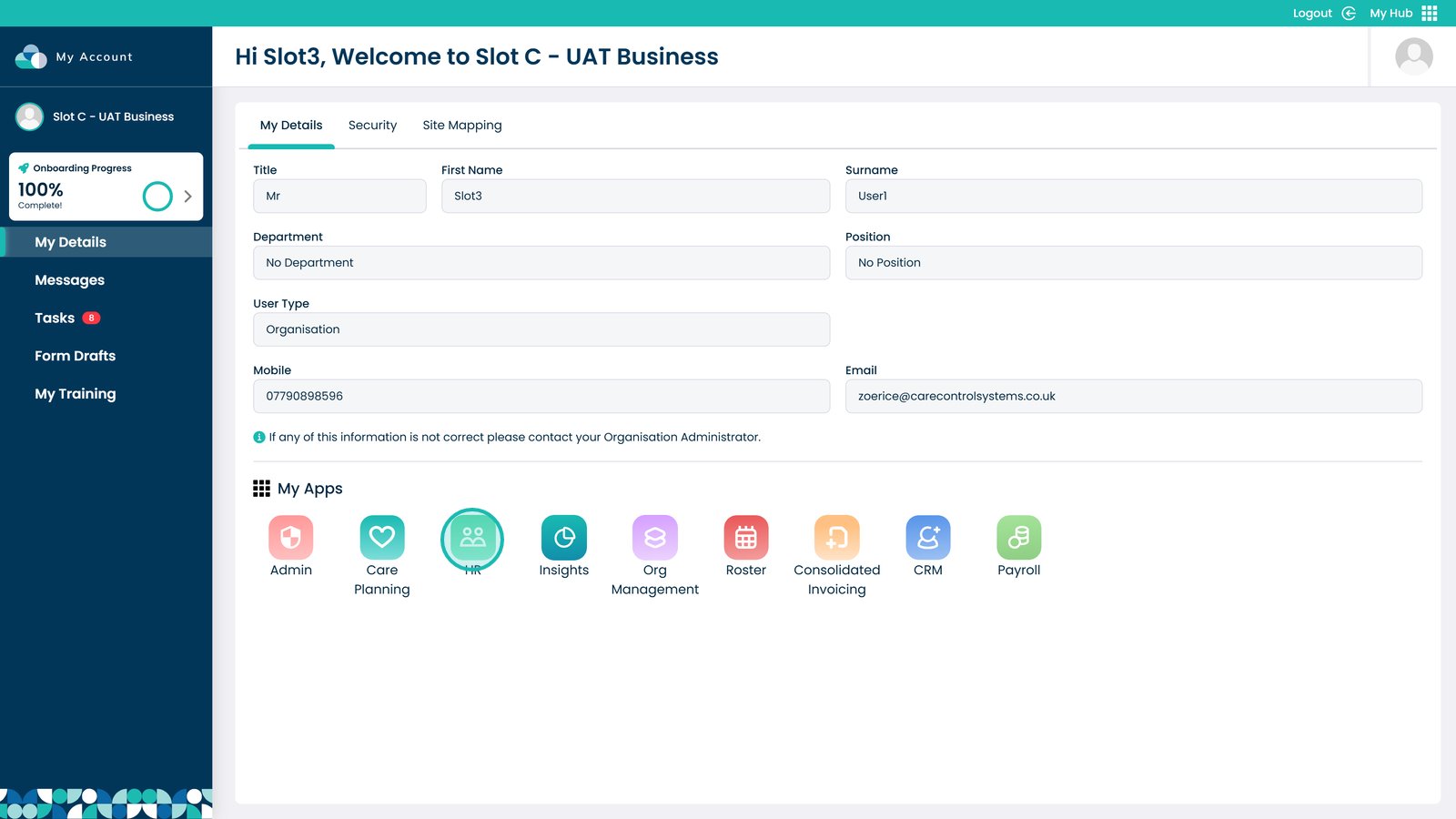
Enter the HR App
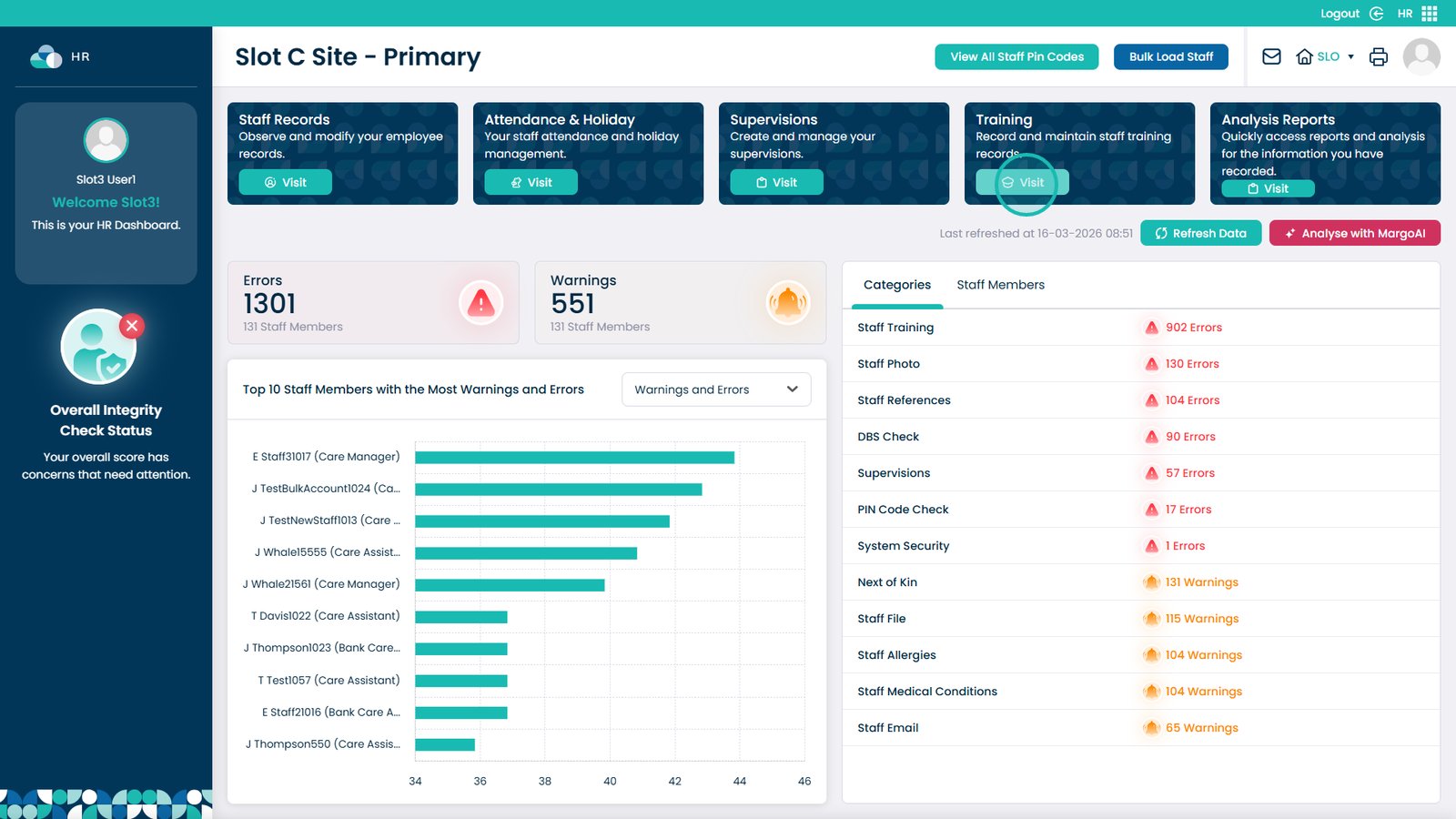
Click Visit on the Training Area
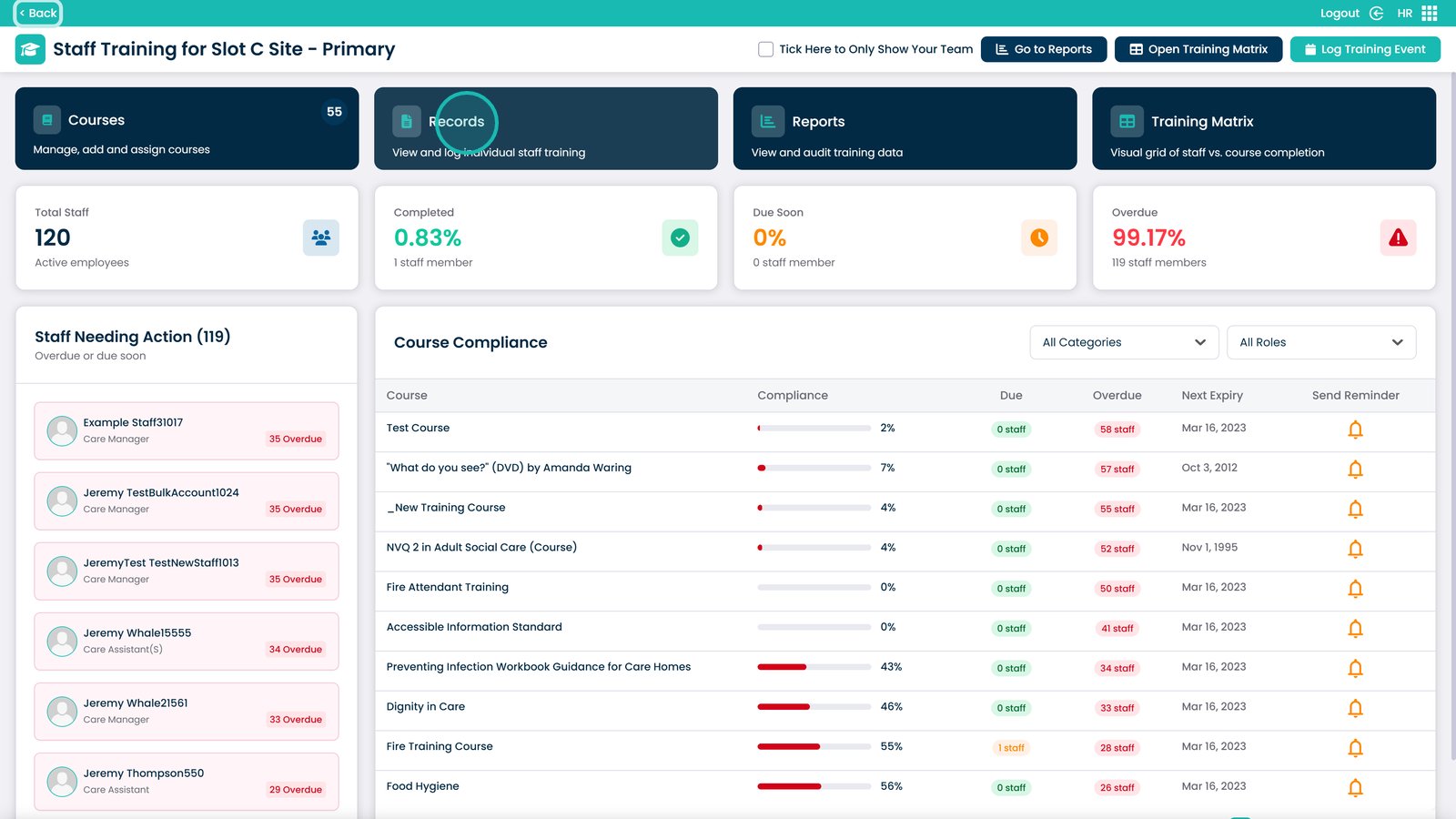
Select the Records box
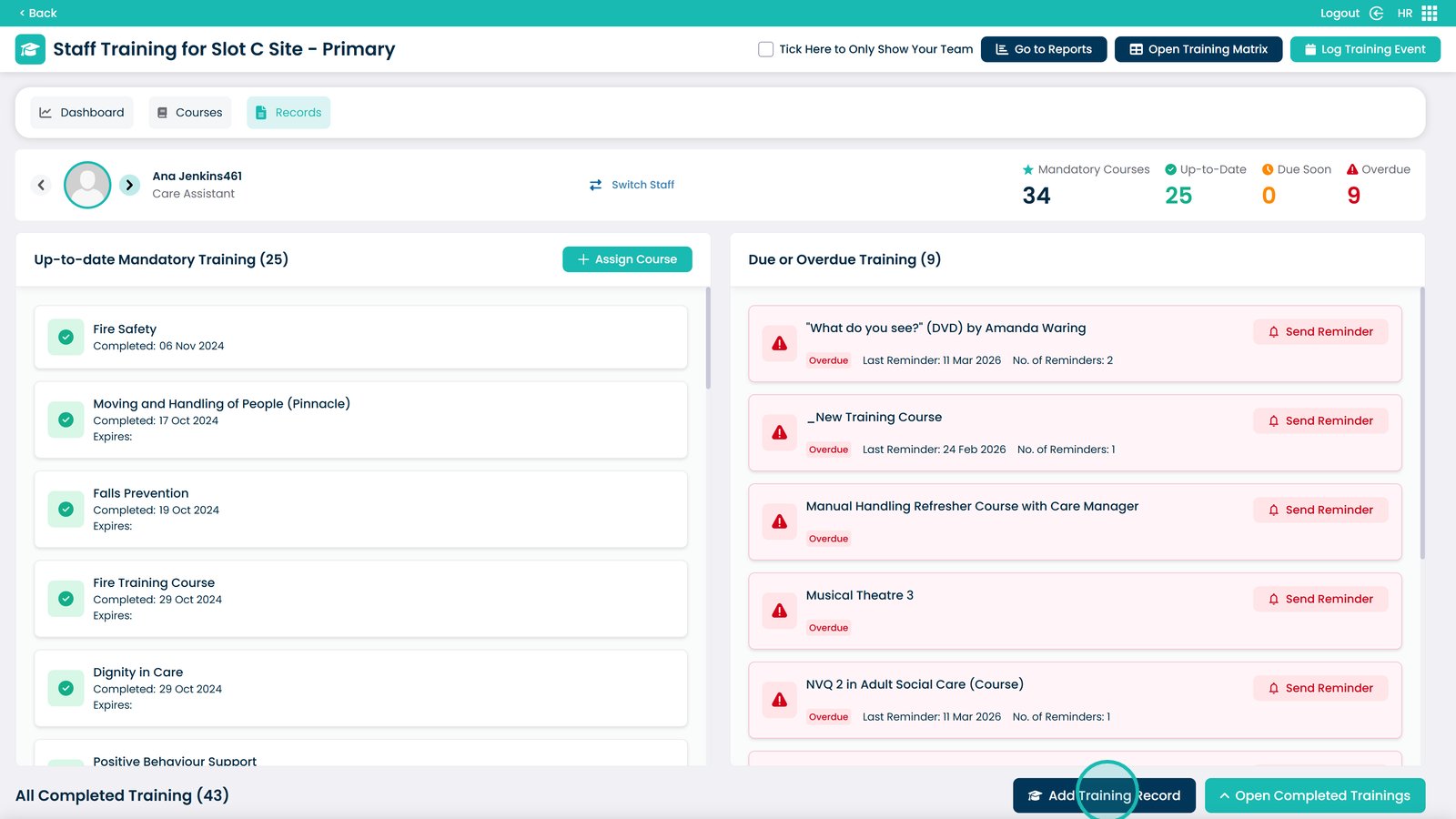
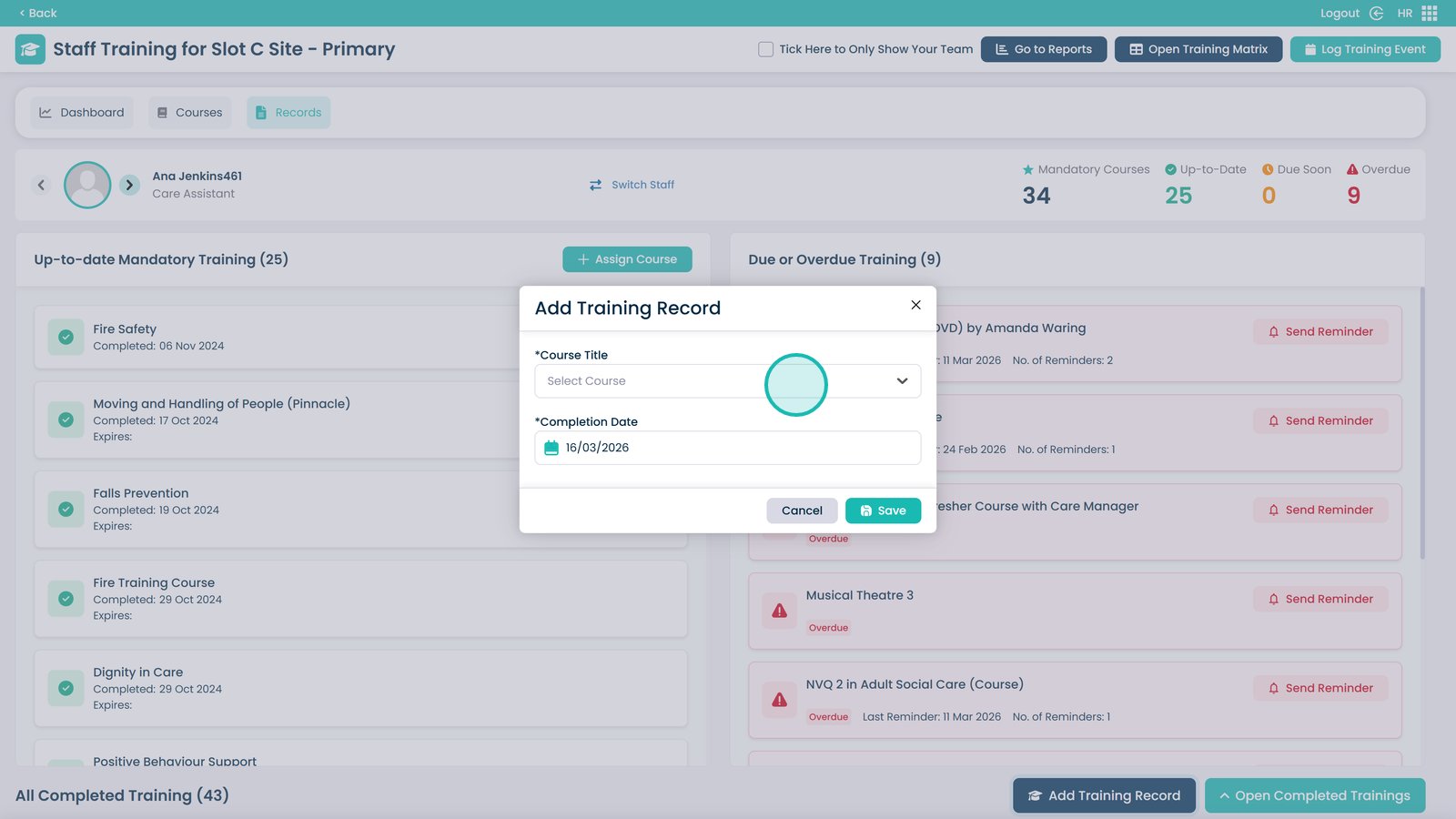
Click Add Training Record
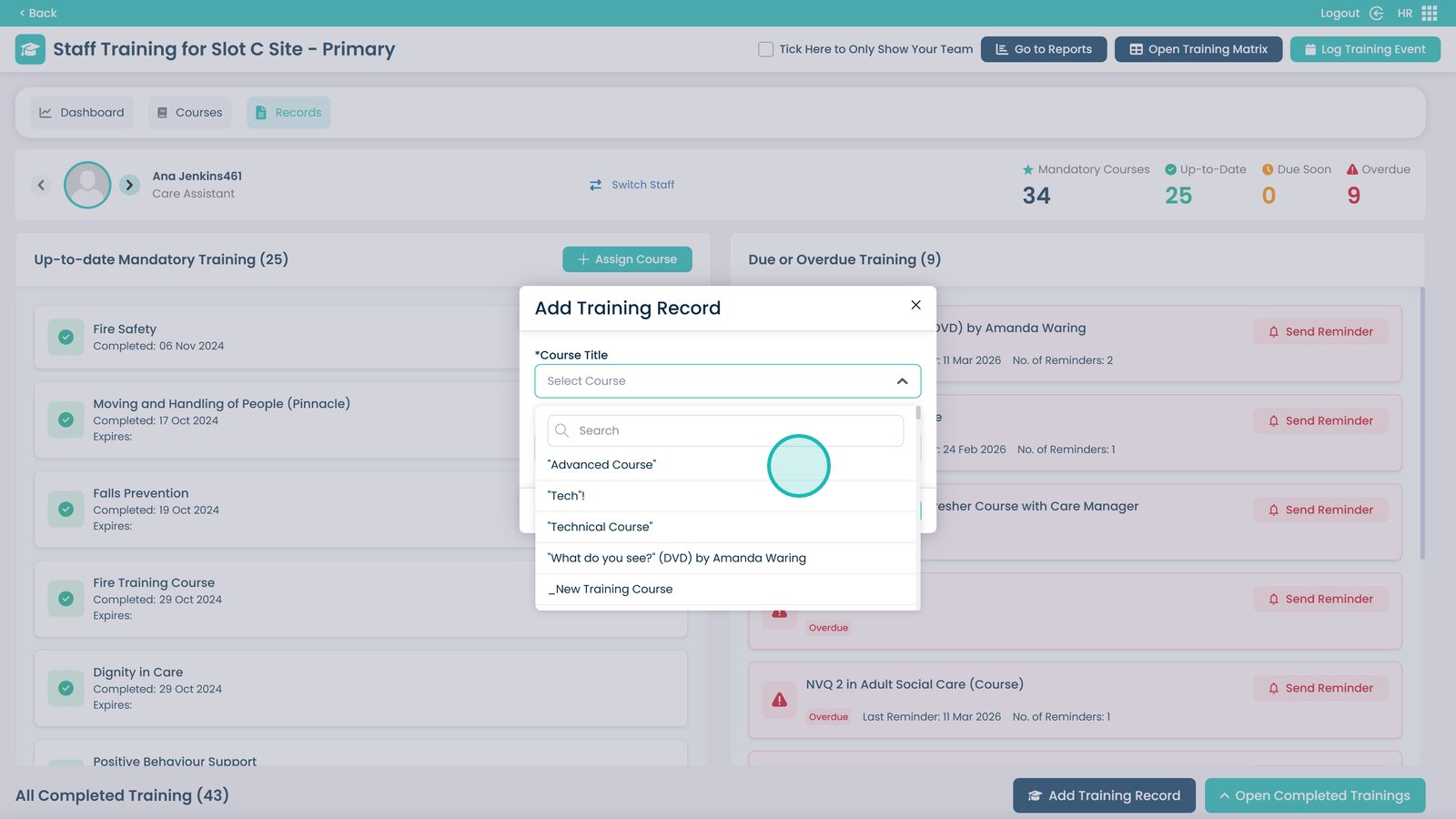
Open the Course dropdown
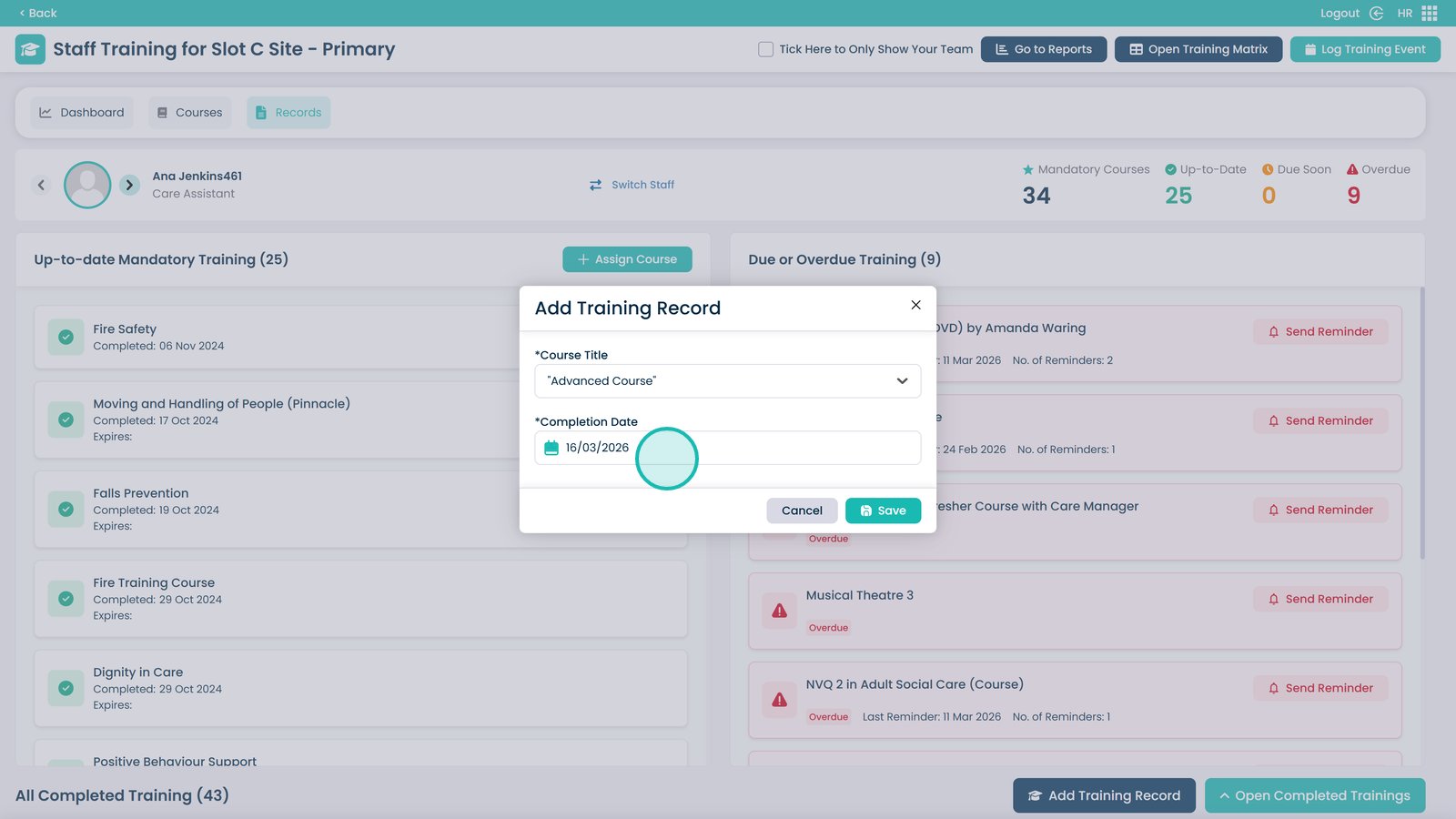
Select the course they have completed
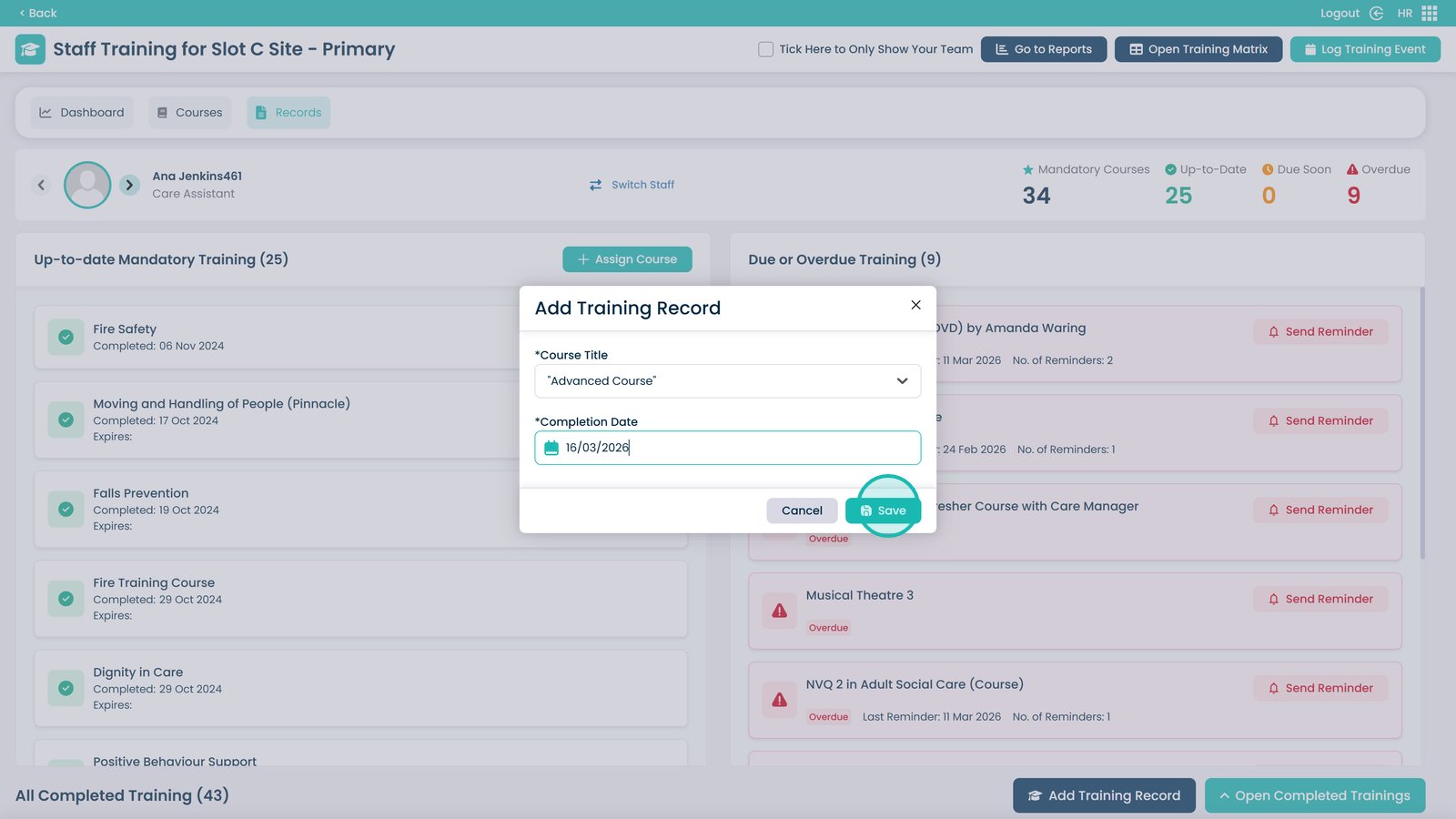
Enter the date in this box — it will be automatically populated with today’s date