View Categories

How to Print a Historic Care Review

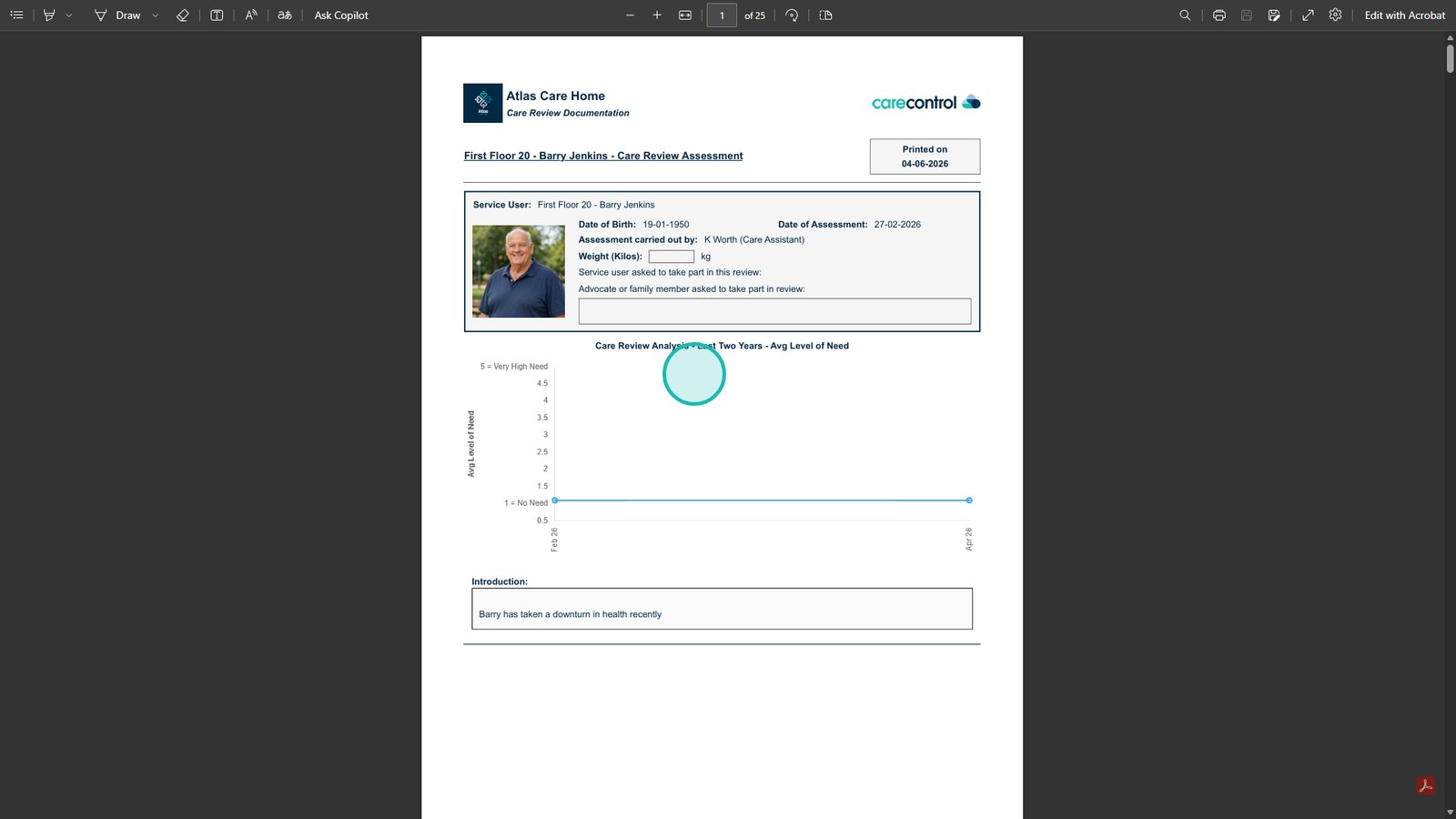
This guide explains how to access and download a Care Review from the Care Planning system.

Being able to quickly retrieve and export Care Reviews is essential for maintaining accurate records, supporting audits, and sharing important information with relevant stakeholders. It ensures that historical care documentation is easily accessible and can be reviewed or distributed when needed.

By following this guide, you will learn how to:

  • Navigate to the Care Planning area from the app tray
  • Access Resident Care Plans and open Care Reviews
  • Select and print a historic Care Review
  • Choose whether to include associated note references
  • Download the Care Review as a PDF document

This ensures you can efficiently retrieve and share Care Review records whenever required.

Interactive Guide

Text based guide

Open the App tray

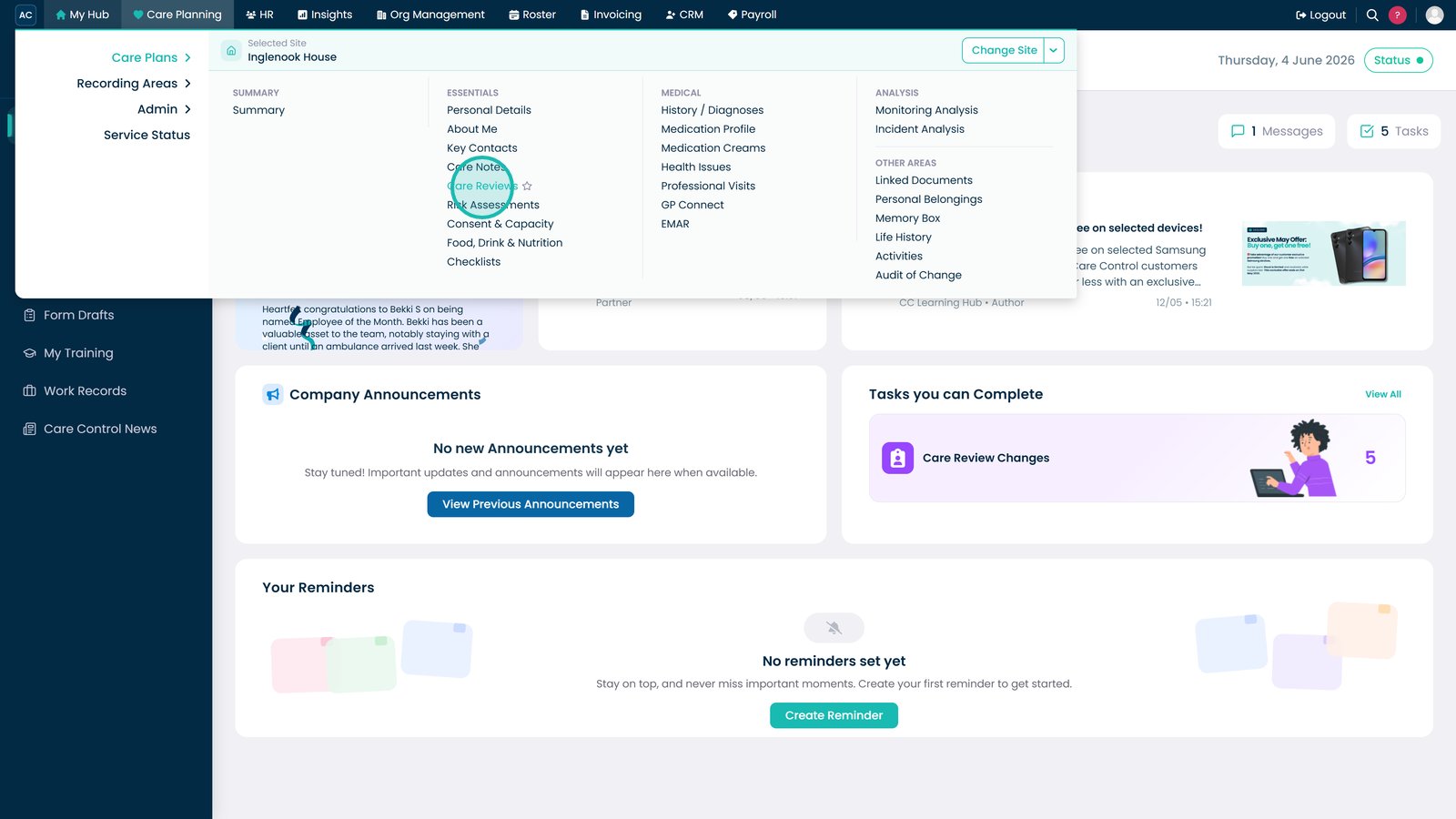
Select Care Planning.

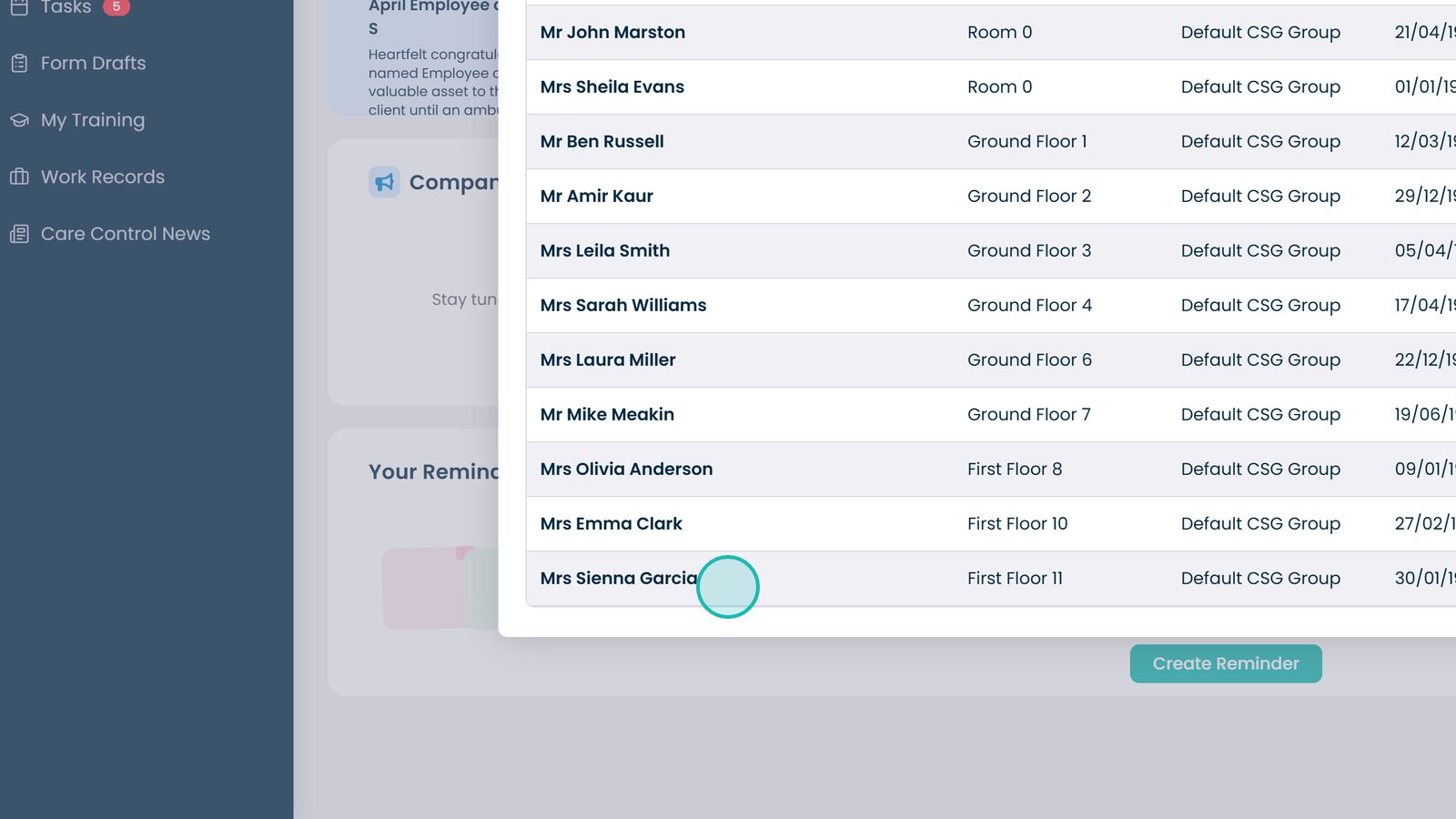
Click Visit under Resident Care Plans.

Open the Essentials dropdown.

Select Care Reviews.

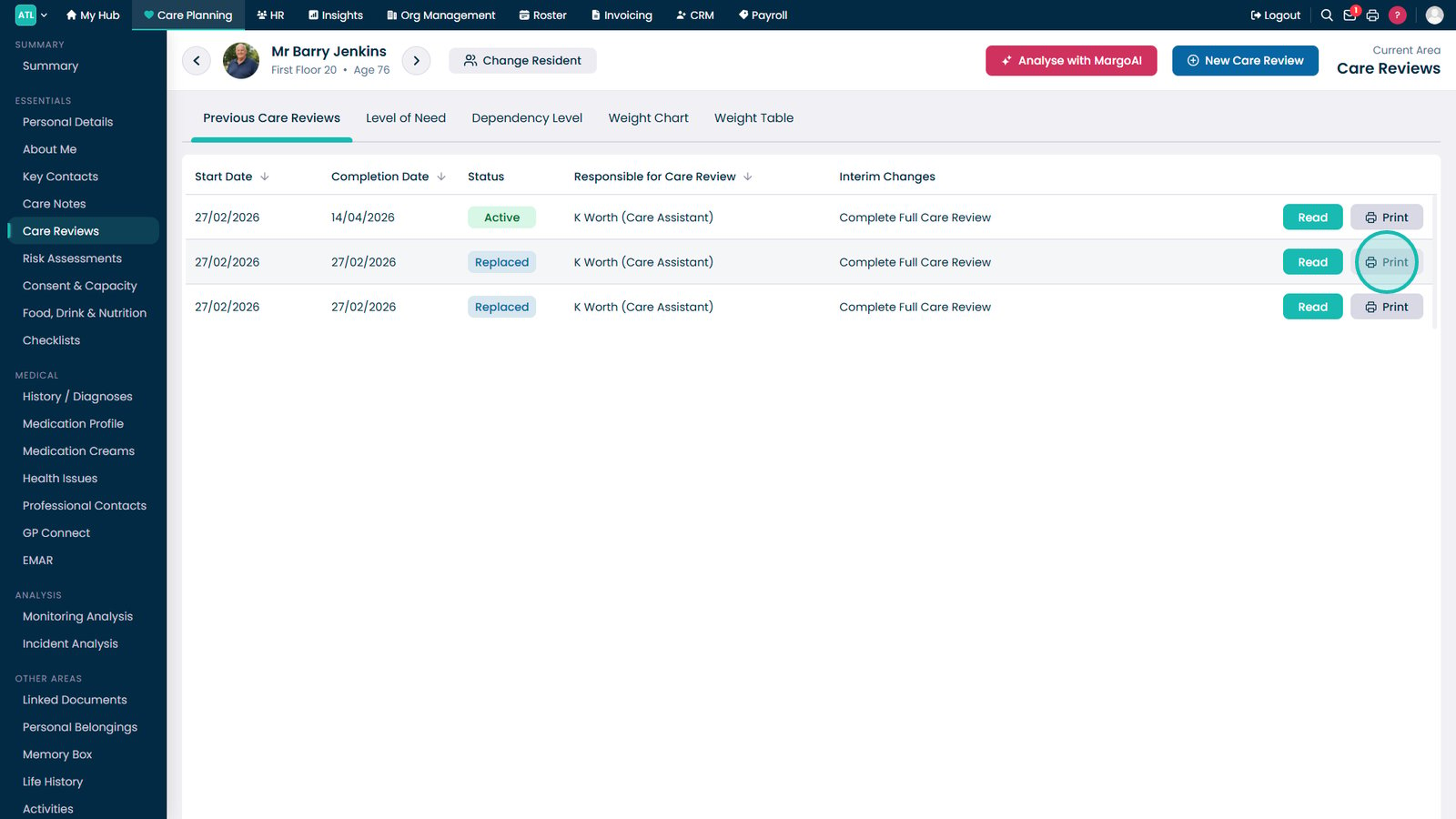
Click Print next to the historic Care Review.

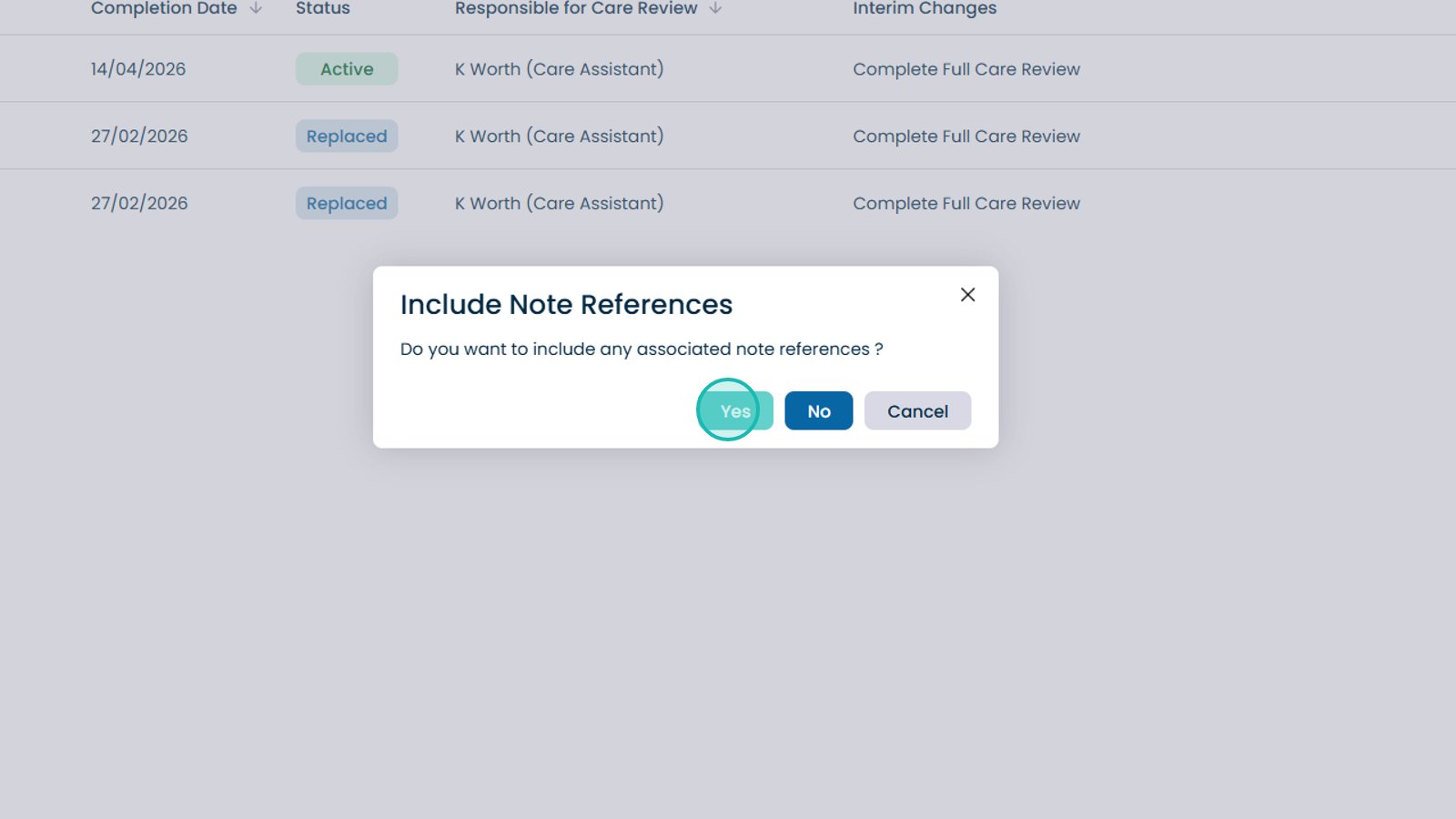
Choose whether to include associated note references.

The Care Review will download as a PDF file.

Was it helpful ?
Table of Contents
↑ Top